Woodland Canine Editing Tutorial (Winston)
Woodland Canine Editing Tutorial (Winston)
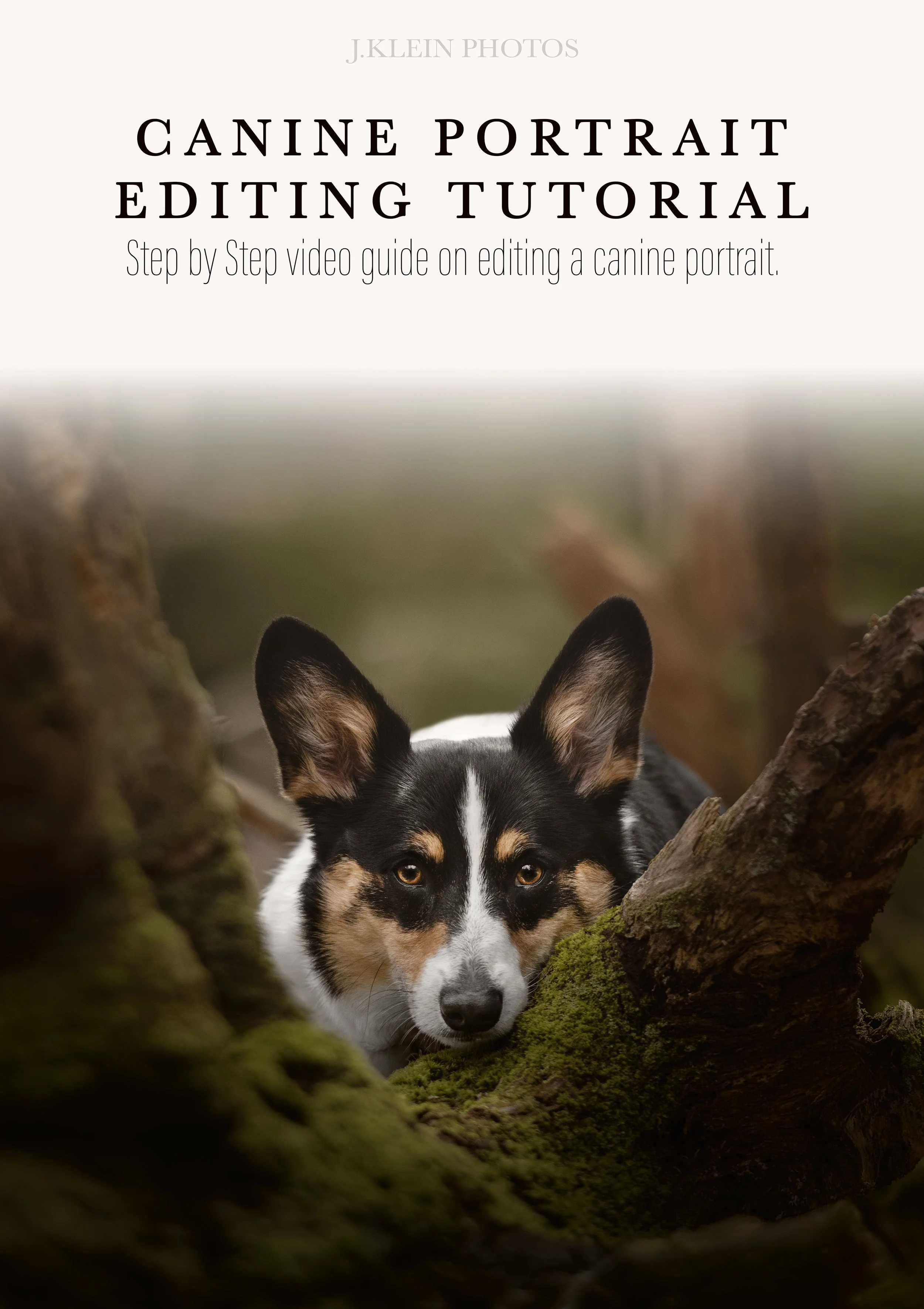
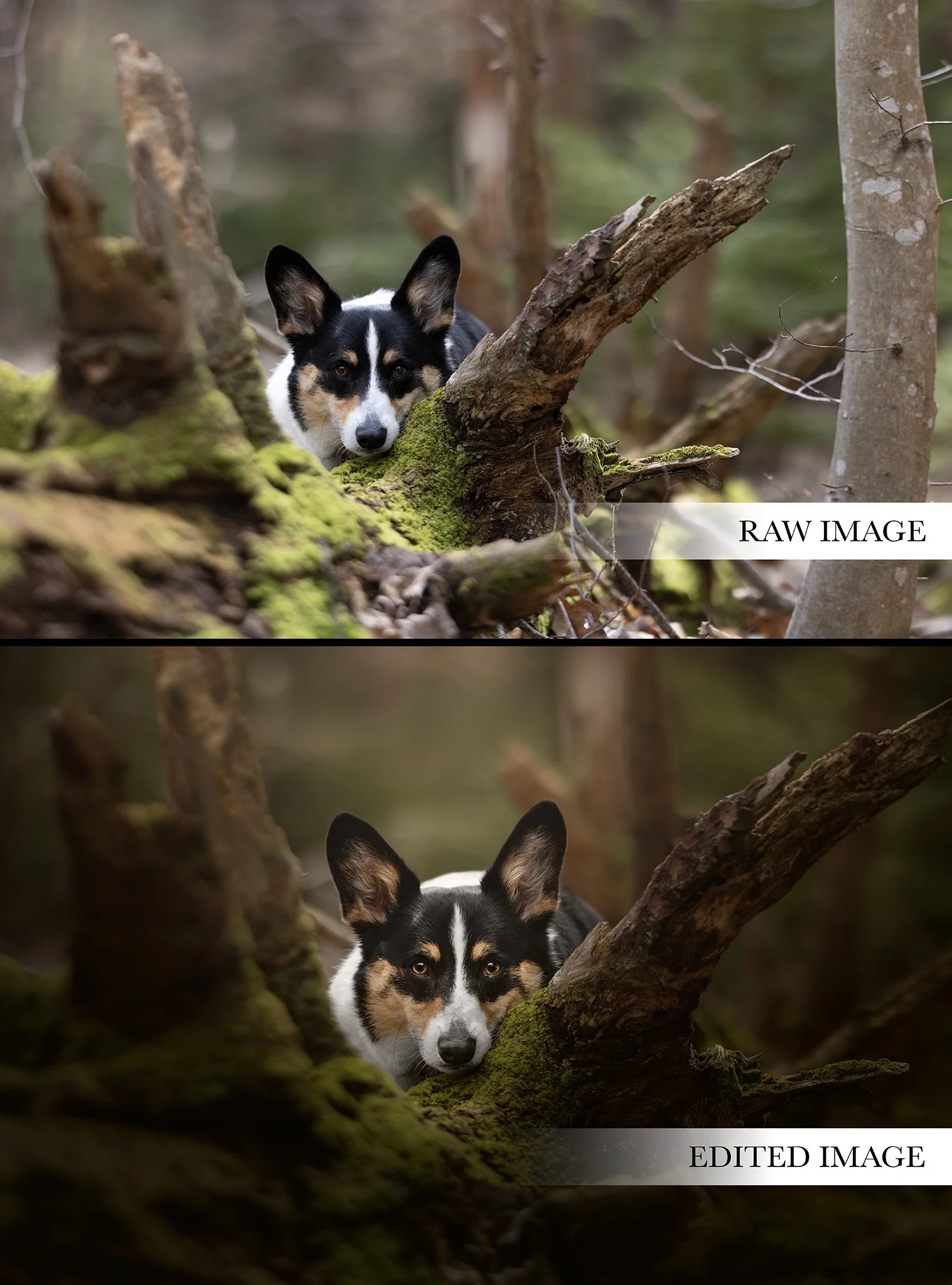
During this 40 minute canine editing tutorial of “Winston,” you will learn the step by step editing process to achieve my signature editing style using Camera Raw and Adobe Photoshop. We’ll be covering the following topics to transform a raw file into a fine art edit, ready for printing…
This video includes details on…
Camera Raw + Adobe Photoshop
Lighting + Exposure using Masks & Gradients
Color Control (Featuring RICH Greens!)
Composition & Rule of 3rds
Gradient Fill
Solid Color Vignettes
Removing distractions
Color Casting
Dodge + Burn
Retouching & Refining Details
Keyboard Shortcuts
These tutorials are created with photographers in mind, allowing you to start/stop and review the education whenever, wherever with the one time download to own tutorials.
*This course does NOT include the mentioned J.Klein Photos Brush Collections or Photoshop Brushes 101 Master Course Tutorial.
Purchase will include a PDF download with instructions and links to your download! Downloads will be available for 24 hours following your purchase, so please plan accordingly to save your files.
