Full Body, White + Black Background Equine Portrait Editing Tutorial (Paris)
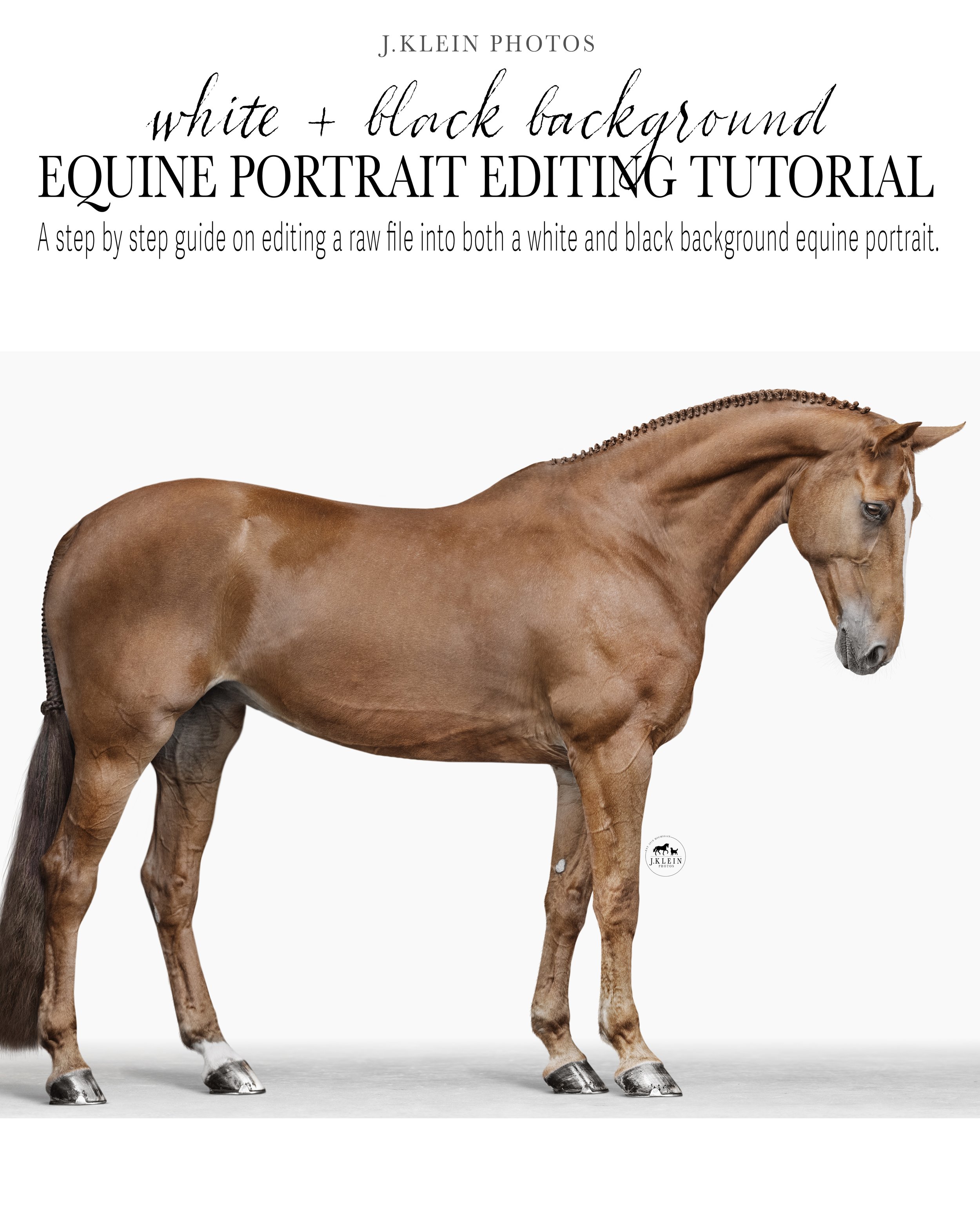

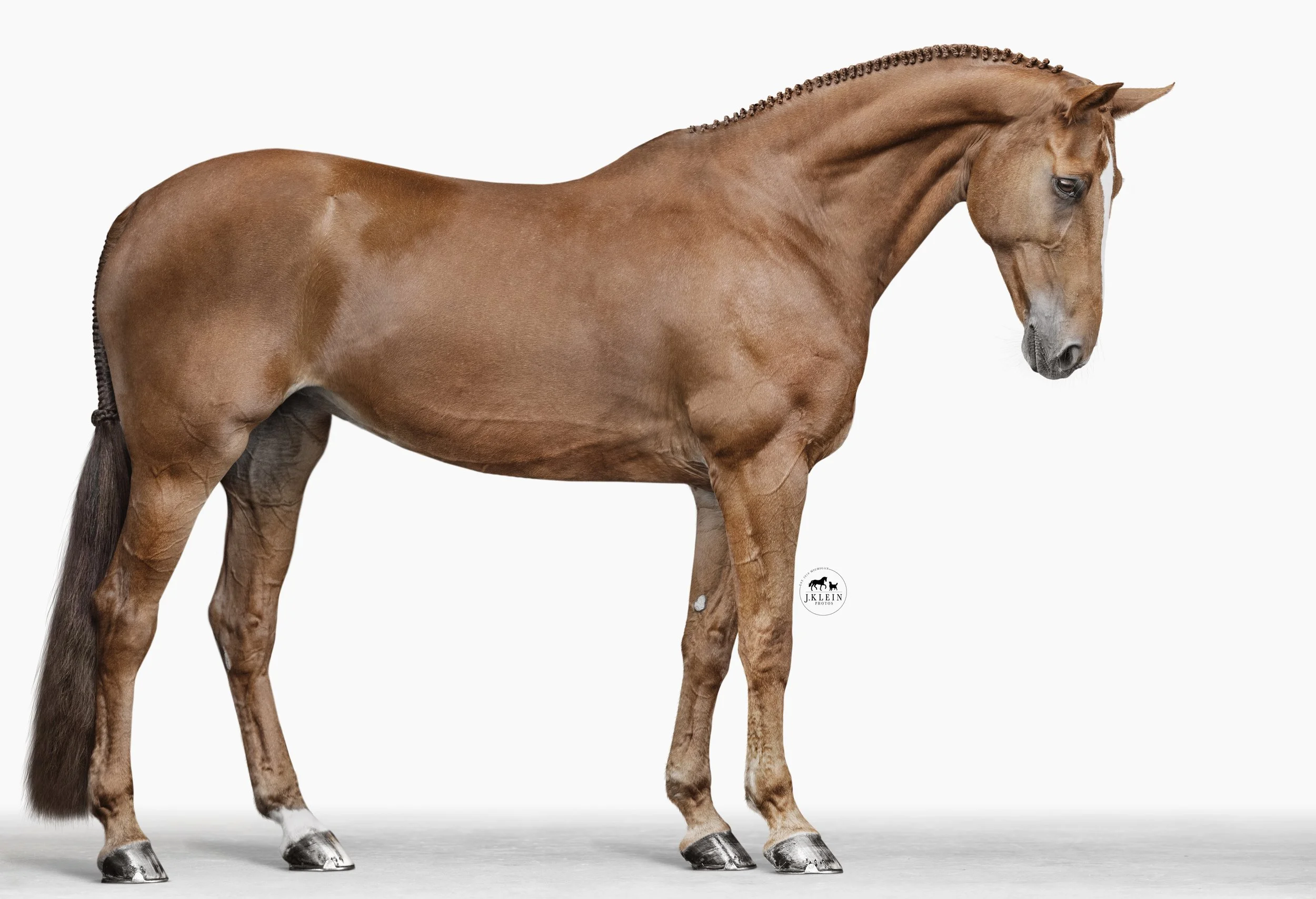
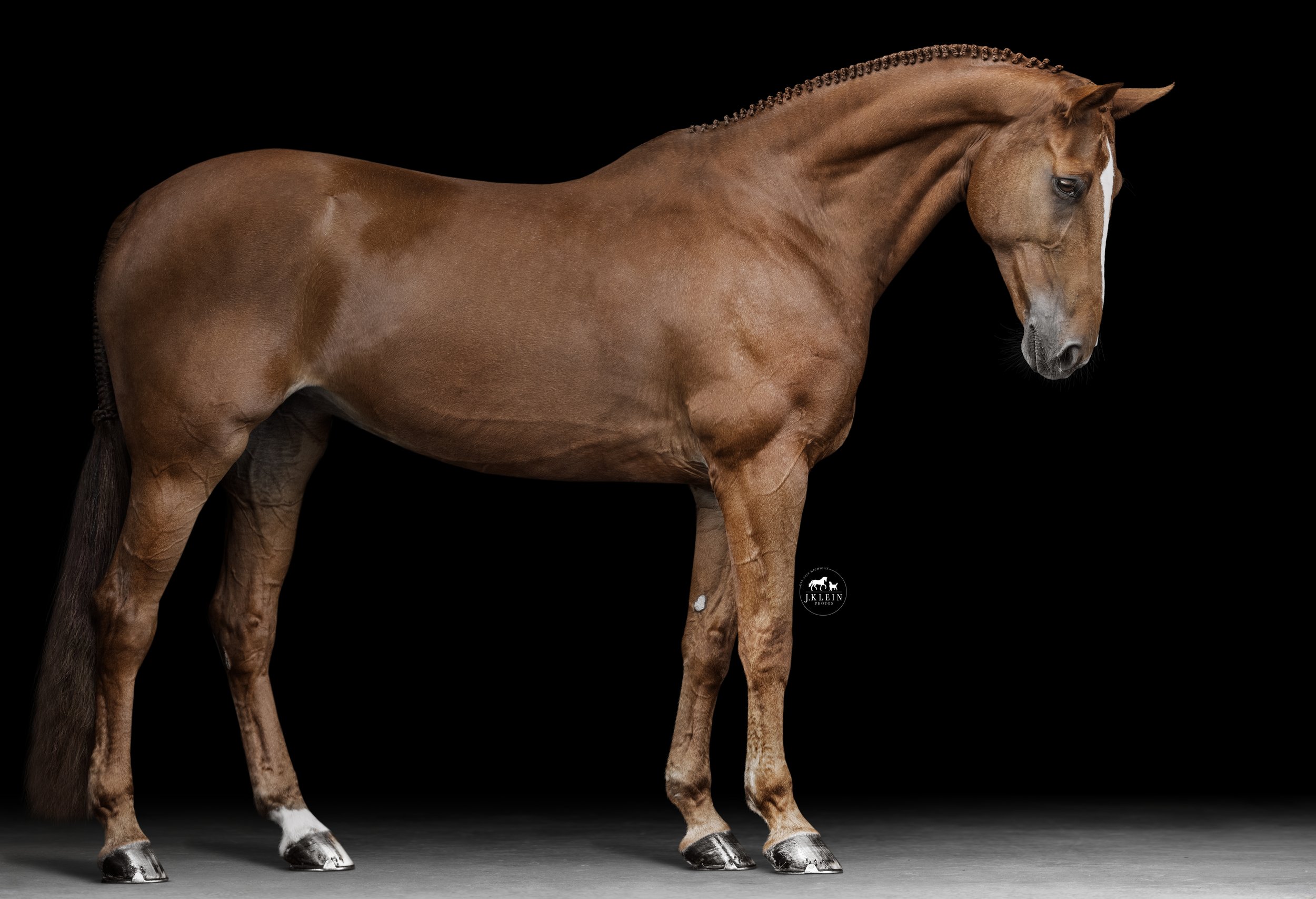
Full Body, White + Black Background Equine Portrait Editing Tutorial (Paris)
This 1 Hour 45 Minute tutorial is packed with education, including techniques for individual tools, alternative methods, and Jesse’s thought process for in the moment editing. This tutorial is created with photographers in mind, allowing you to PLAY, PAUSE PRACTICE, returning to review the education whenever, wherever with the one time download to own tutorials. Every topic included in this tutorial can be applied to all Equine Portrait Editing!
Highlights from this tutorial include…
Recognizing lighting best suited for a BLACK or WHITE background
Editing adjustments to create both a black AND white background using curves, levels, masks + gradients
Identifying + controlling color, specifically color correcting chestnut tones, removing unwanted colors (green, blue, purple, magenta)
Use of masks to remove background seamlessly, with techniques to avoid the “sticker” or “cut out” effect
Floor replacement + creating realistic shadows from hooves + legs
Correcting conformation of the horse due to posing flaws using liquify
Thought process of cropping + living outside of the 2:3 ratio, while retaining flexibility to adjust to other ratios without damaging or losing data
Creating contrast making your horse POP from the background when using levels, dodge + burn
Removing distractions (including Naked Halter) + retouching blemishes seamlessly when choosing the best textured brush tips to use, as either clone or brushes, to retouch blemishes on the horse’s coat.
Pros and cons of using Generative Fill (AI) editing
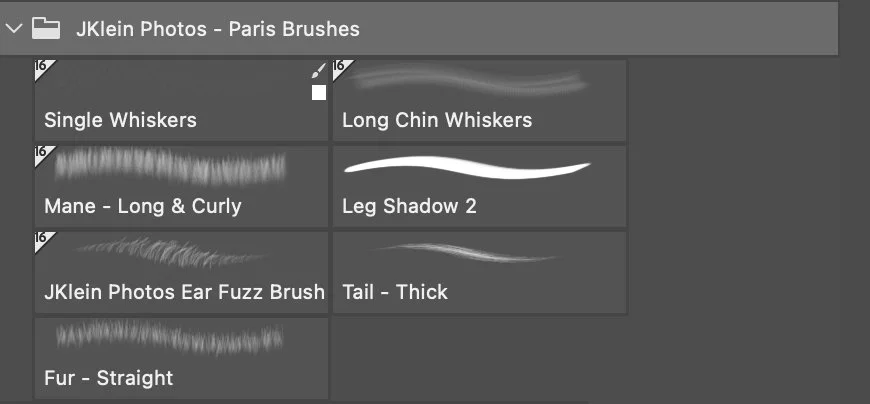
Adjusting + customizing J.Klein Photos brushes with basic brush settings to match and replace the horse’s details (in particular the ears, whiskers, mane, forelock + tail, that were lost from the mask).
Retouching eyes to remove reflections
Relationship and organization of layers in Photoshop
Tricks to speed up your editing time including Photoshop Shortcuts
File requirements + prepping for client’s use vs fine art printing
» BONUS Material! This course includes the RAW file to practice with, 7 J.Klein Photos Brushes + 1 white background floor replacement and 1 black background floor replacement.
Purchase will include a PDF download with instructions and links to your download!
Download will only be available for 24 hours following purchase, so please save this video accordingly! Resending receipts or providing new download links after 24 hours will be accompanied with a fee.
