Dive into learning J.Klein Photos signature editing style, turning a RAW file into a fine art NATURAL background image ready for print!
This 1 Hour 20 Minute tutorial is packed with education, including techniques for individual tools, alternative methods, and Jesse’s thought process for in the moment editing. These tutorials are created with photographers in mind, allowing you to start/stop and review the education whenever, wherever with the one time download to own tutorials.
Highlights from this tutorial include…
Identifying + controlling color, specifically
Identifying colors throughout the image, what colors we want to keep vs remove or replace.
Separating the horse from the background, allowing more control in color correction by using masks in Camera Raw + Photoshop layers
Temperature, Color Mixer, Color Balance and Sponge tools
Manipulation and Relationships of Saturation, Hue and Luminance
Removing unwanted objects (lead rope + assistant hand), using Generative Fill and blending seamlessly with Clone Stamp.
Retouching the horse’s coat, eliminating scratches, bug bites, flyaway hairs, etc. using Spot Healing, Clone Stamp and History Tools
Using Levels, Dodge and Burn to make the horse POP from the background.
Adding in radial gradients to create separation between the horse and the background, as well as creating a softer fill light for more sunshine.
Adding vignettes using Solid Color, pushing the viewers eye towards the subject and area of importance in the image.
Cropping to retain pixels, following the rule of thirds.
File requirements + prepping for client’s use vs fine art printing
*This course does NOT include the mentioned J.Klein Photos Brush Collections.
Purchase will include a PDF download with instructions and links to your download! Downloads will be available for 24 hours following your purchase, so please plan accordingly to save your files.
Dive into learning J.Klein Photos signature editing style, turning a RAW file into a fine art NATURAL background image ready for print!
This 1 Hour 20 Minute tutorial is packed with education, including techniques for individual tools, alternative methods, and Jesse’s thought process for in the moment editing. These tutorials are created with photographers in mind, allowing you to start/stop and review the education whenever, wherever with the one time download to own tutorials.
Highlights from this tutorial include…
Identifying + controlling color, specifically
Identifying colors throughout the image, what colors we want to keep vs remove or replace.
Separating the horse from the background, allowing more control in color correction by using masks in Camera Raw + Photoshop layers
Temperature, Color Mixer, Color Balance and Sponge tools
Manipulation and Relationships of Saturation, Hue and Luminance
Removing unwanted objects (lead rope + assistant hand), using Generative Fill and blending seamlessly with Clone Stamp.
Retouching the horse’s coat, eliminating scratches, bug bites, flyaway hairs, etc. using Spot Healing, Clone Stamp and History Tools
Using Levels, Dodge and Burn to make the horse POP from the background.
Adding in radial gradients to create separation between the horse and the background, as well as creating a softer fill light for more sunshine.
Adding vignettes using Solid Color, pushing the viewers eye towards the subject and area of importance in the image.
Cropping to retain pixels, following the rule of thirds.
File requirements + prepping for client’s use vs fine art printing
*This course does NOT include the mentioned J.Klein Photos Brush Collections.
Purchase will include a PDF download with instructions and links to your download! Downloads will be available for 24 hours following your purchase, so please plan accordingly to save your files.
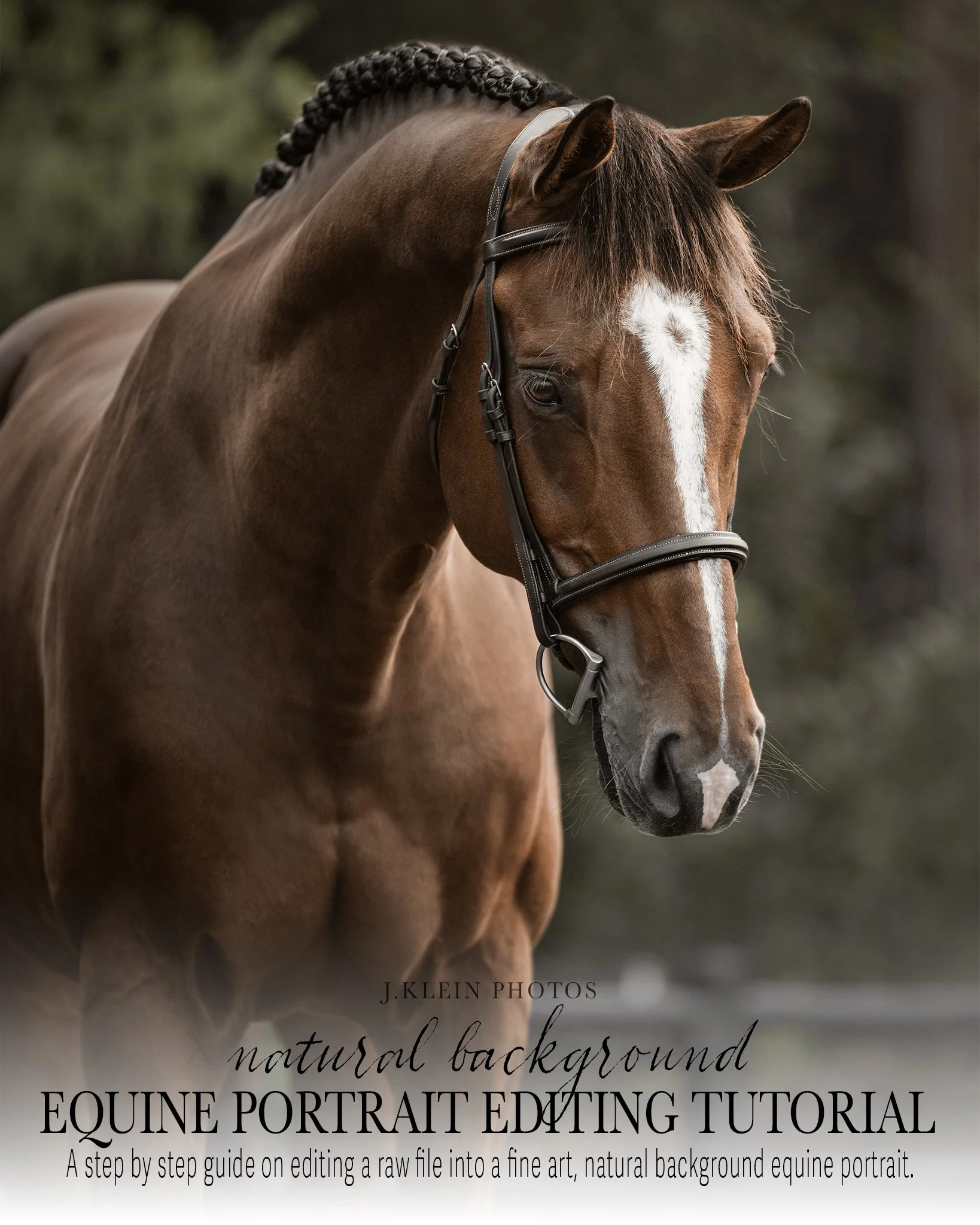 Image 1 of 7
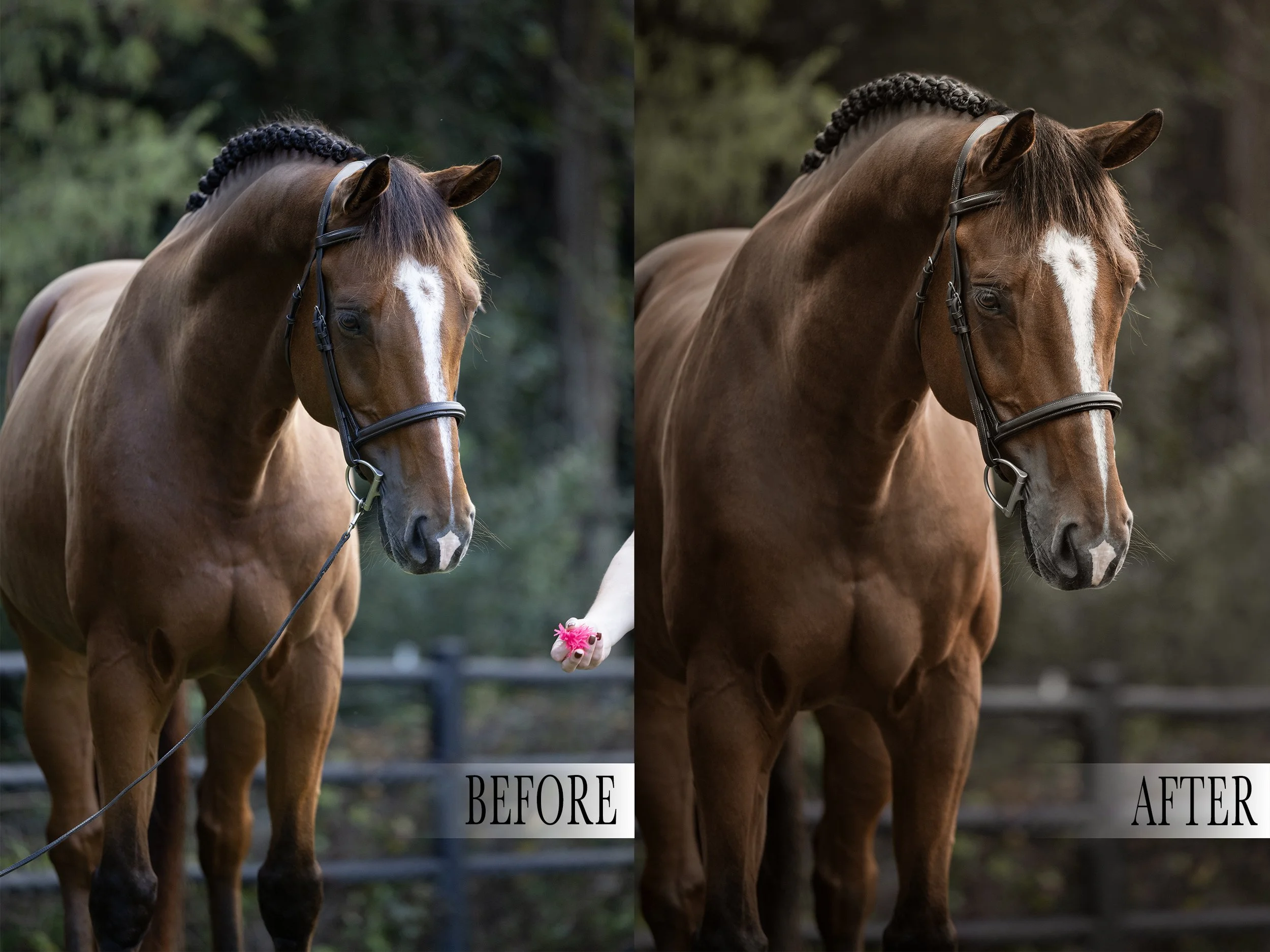 Image 2 of 7
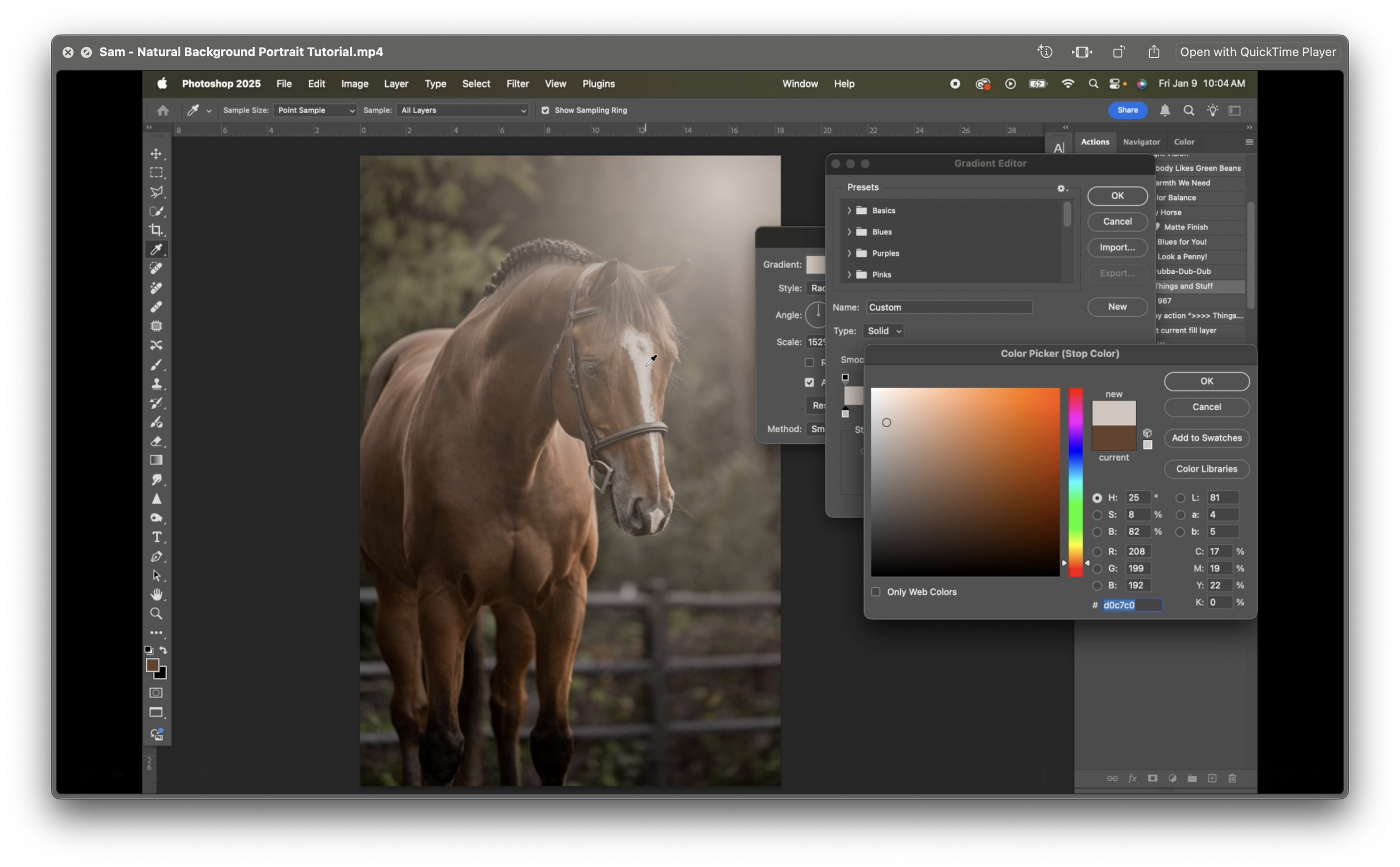 Image 3 of 7
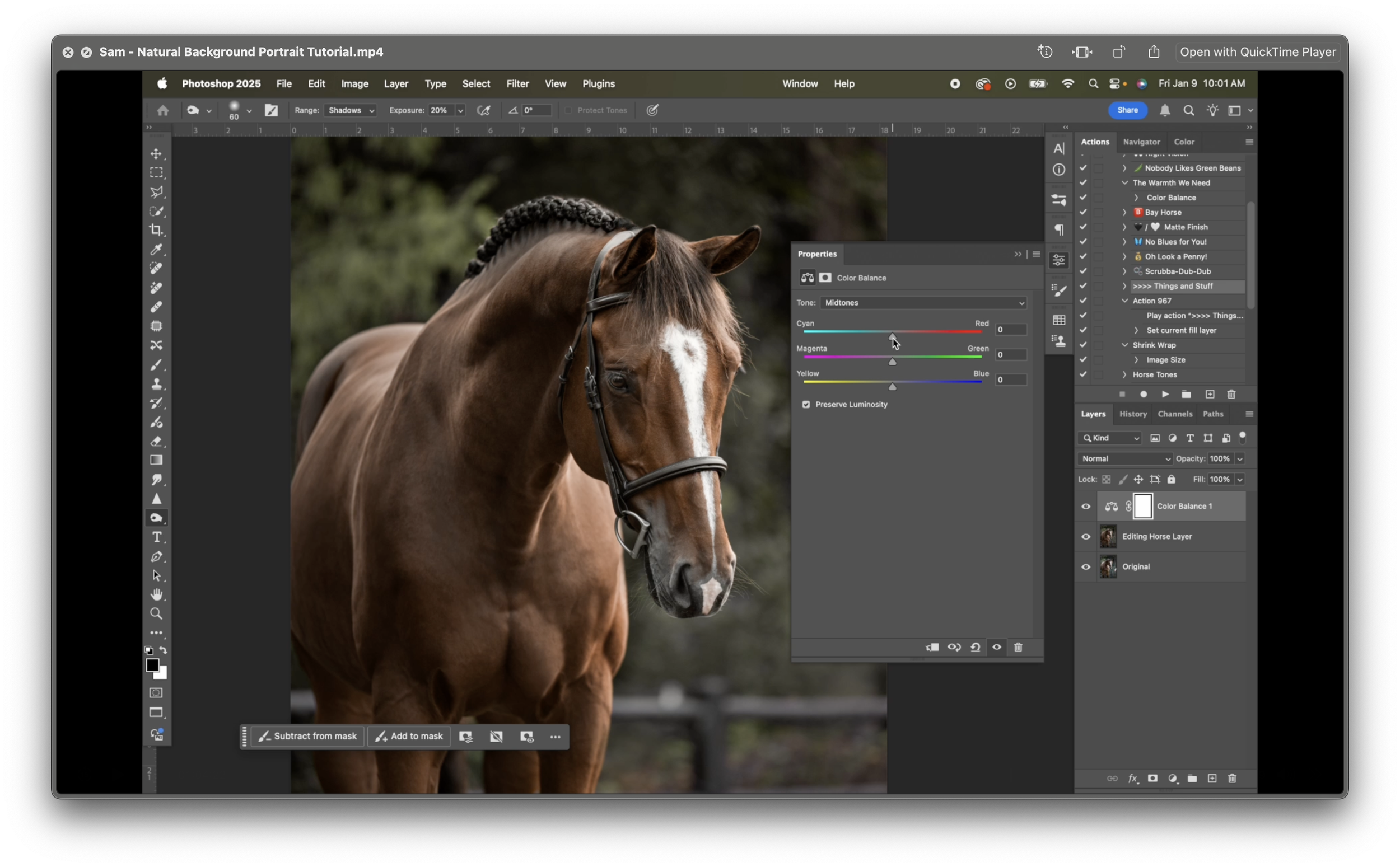 Image 4 of 7
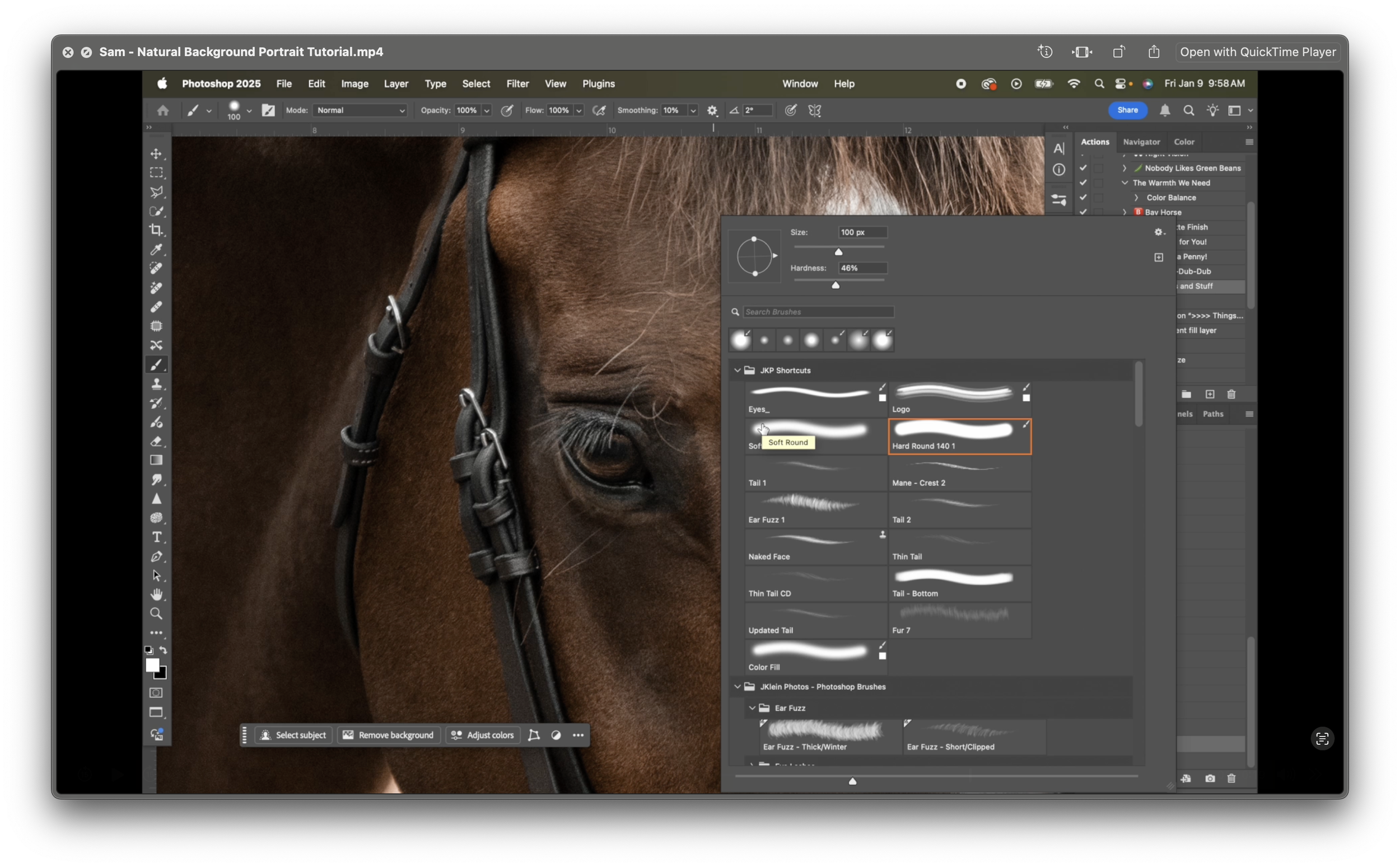 Image 5 of 7
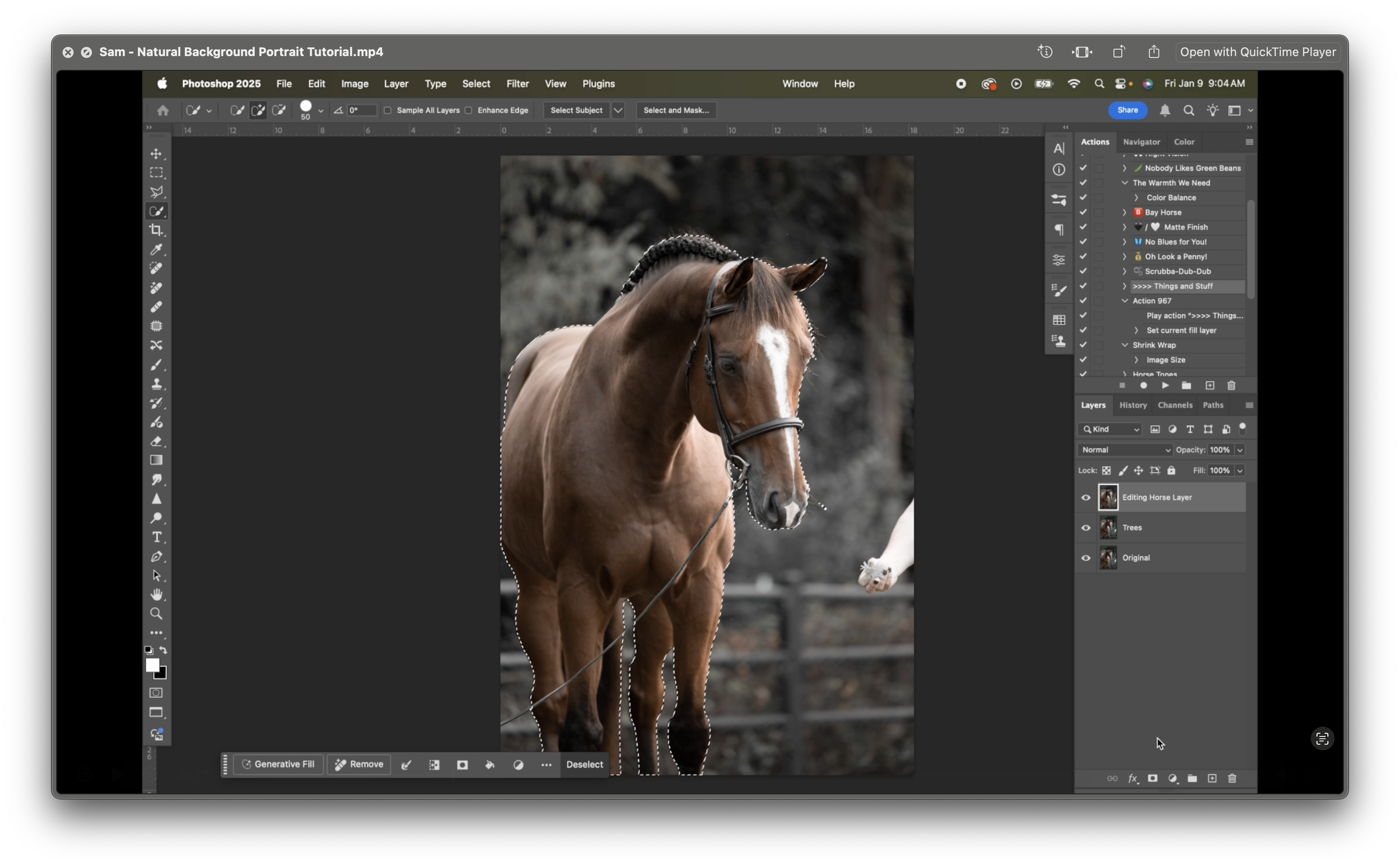 Image 6 of 7
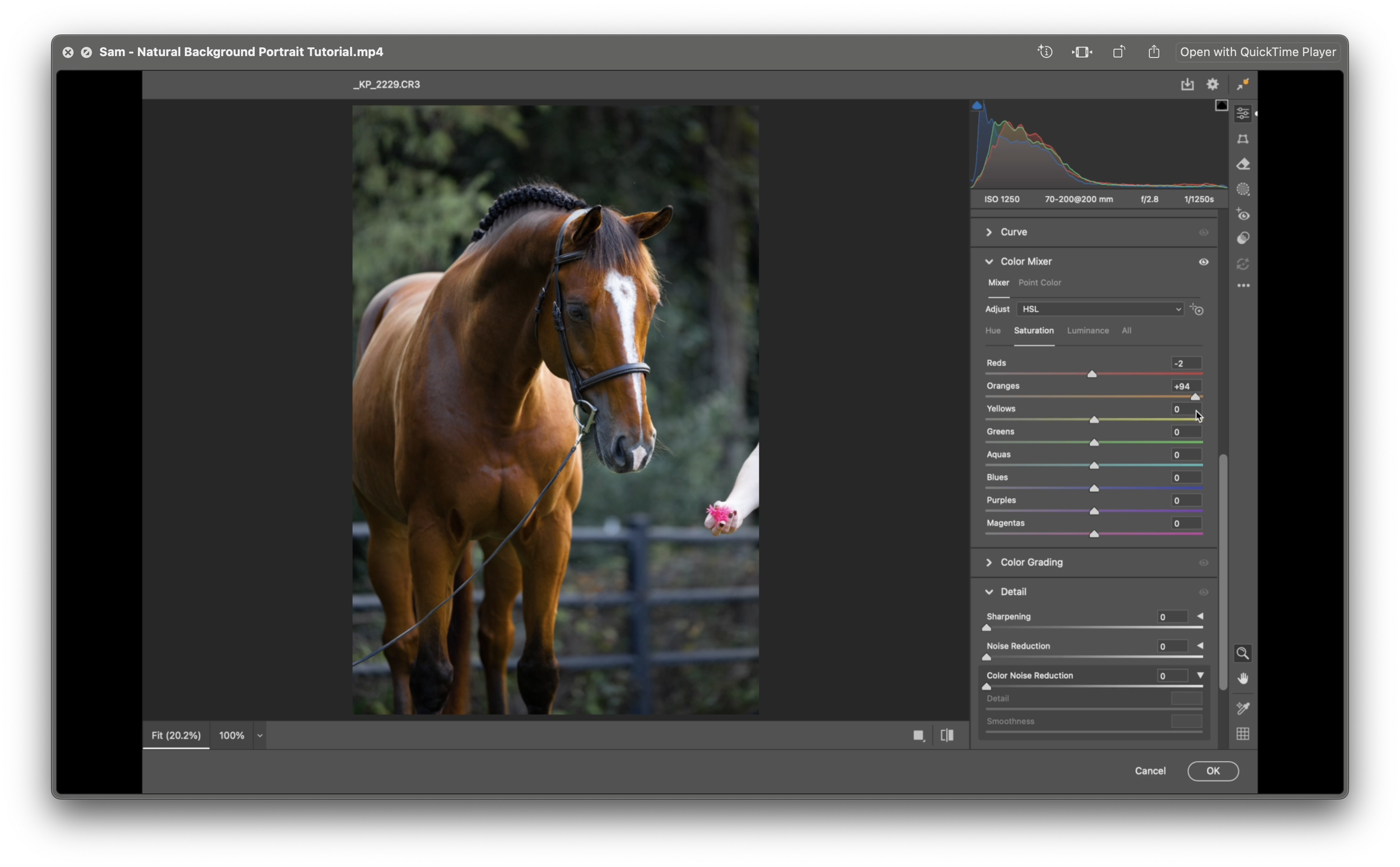 Image 7 of 7