INSTANT EDUCATION for PHOTOGRAPHERS
Looking to learn at your own pace? These downloadable tutorials and editing tools are a one time download, allowing you to save the files at home for easy access, with the ability to return to learn from, without a time restriction. There is a LOT of education packed into each tutorial, so block off some time and take the dive into elevating your photoshop skills with me!
All tutorials are taught in English, and all editing tools are created for photoshop, but will work for various other editing softwares. All sales are final.
Please save your downloadable education responsibly. Fees will apply if download links need to be resent after 24 hours of sale.

PDF GUIDES
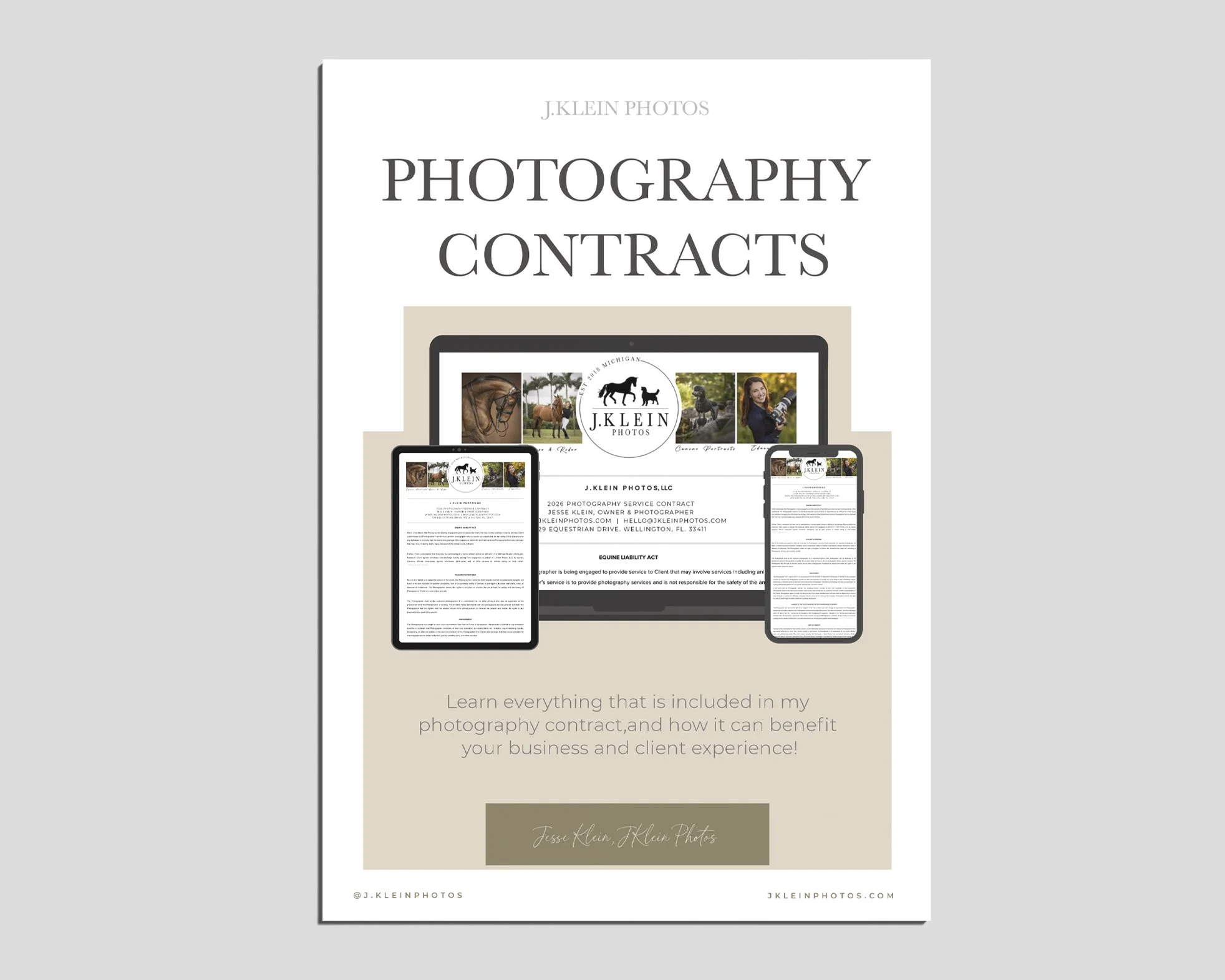
I HIGHLY recommend that you have a legally binding contract ready to be signed (by both you and your client) PRIOR to booking a photoshoot.
Every photographer operates their business differently, and a contract allows the clients to know exactly what to expect when hiring you, and what your expectations are for the clients. It can also provide protection from any horrific situations that would be detrimental to you or your business.
I designed this guide to provide you with the bullet-proof information I personally recommend, to create your own customized contract, that you can have reviewed by a lawyer before you begin photographing for clients.
What to expect from this 55 page guide to equine and canine photoshoot contracts:
In Depth Quality Content : We’ll break down everything I have in my photography contract, from the required legal jargon to the nitty gritty details that make my business a professional success.
My Personal Experience : Everything in my contract goes back to a problem client. I’ll share the stories, in hopes it’ll prevent you from experiencing the same problems.
Pro Tips : Simple ways I have taken my client experience to the next level, providing an extra touch of professionalism, while standing strong with my business boundaries.
Legal Recommendations : Learn how I have ensured my contract is legally binding, providing transparency and a consistent experience for the client, while protecting both my business and growth as a photographer, as well as my ability to sleep at night.
Be ready to read, because I PACKED this guide full of information!
Guide does NOT include any contract templates.
I HIGHLY recommend you have a lawyer review any contract before implementing it into your business.
Purchase includes a one time download. Additional downloads needed at a later date will be accompanied with a small fee.
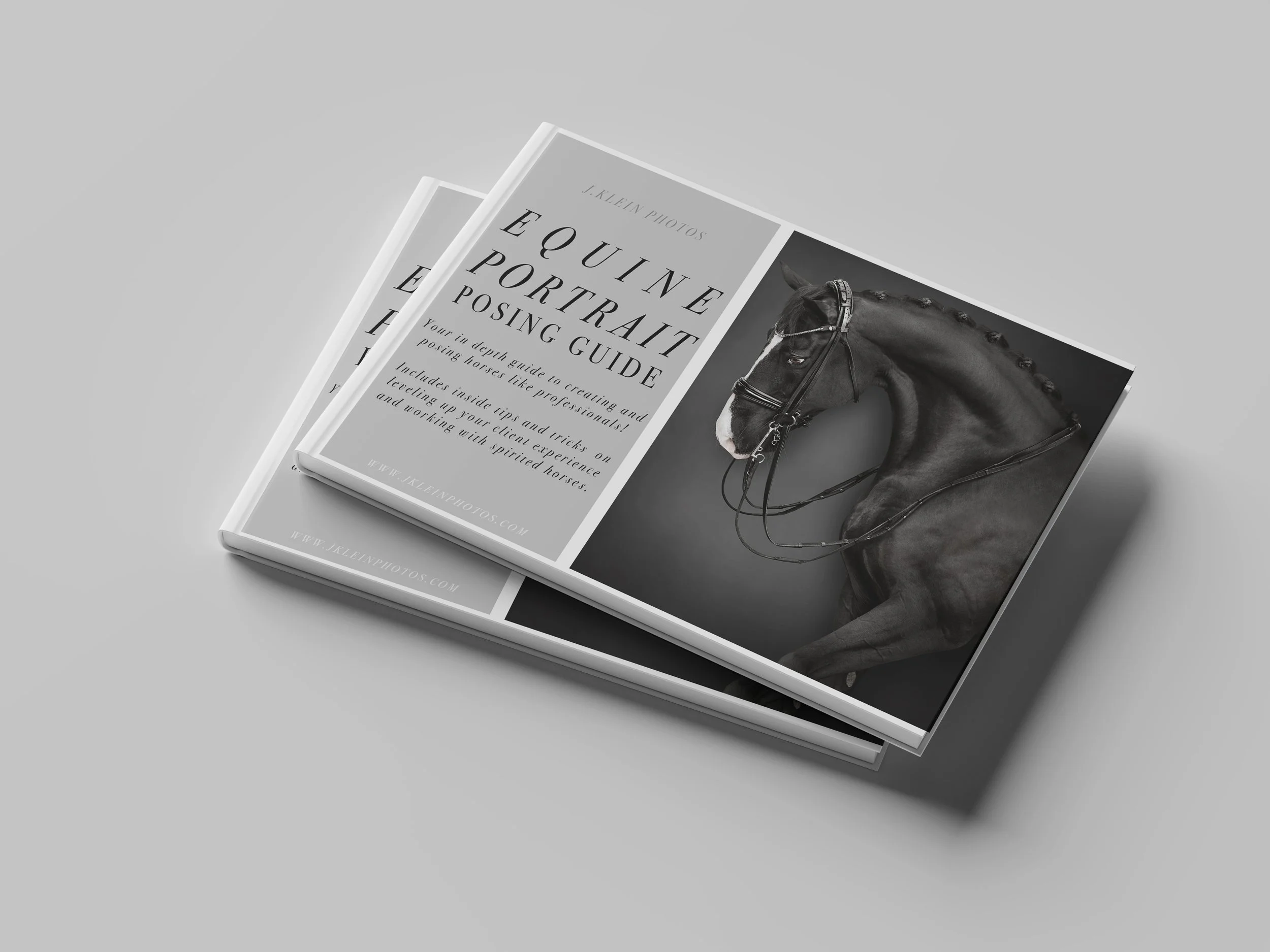
This PDF downloadable guide has 60+ pages packed with education, tips and tricks, and my 20+ poses I use regularly with every client!
I wanted to provide a complete guide for those who could not personally attend a workshop or mentorship, the opportunity to still learn my exact process (and wild success!) for creating fine art Equine Portraits. Having a tangible guide allows photographers to absorb the information at their own pace, set and reach attainable goals, and return to the guide for continual growth at any point.
In this guide I’ve included…
Essential Equipment I use for Equine Portraits
How to choose the best location
How to use natural light
Different lighting tactics for black vs white backgrounds
Personal thoughts behind tack options
Exact words I use for communicating with my assistant AND the client
Toys and treats and how I use them to pose horses
Benefits of having an assistant
Diagrams for every pose, showing hoof placements
Examples of good vs bad posing
Detailed tips to elevate every pose
Identifying conformation flaws and how to over come them with posing
How to add motion to poses
Creating variety throughout client galleries
Identifying unique details to highlight in poses
Safety tips for everyone involved
Thinking ahead to making editing easier + faster
Before and after editing images
Behavioral challenges and how to overcome them
How I critique my work for personal growth
How to create the best client experience
Behind the scenes photos
+ SO MUCH MORE!
*This guide is included for students attending my Equine Portrait Workshops!
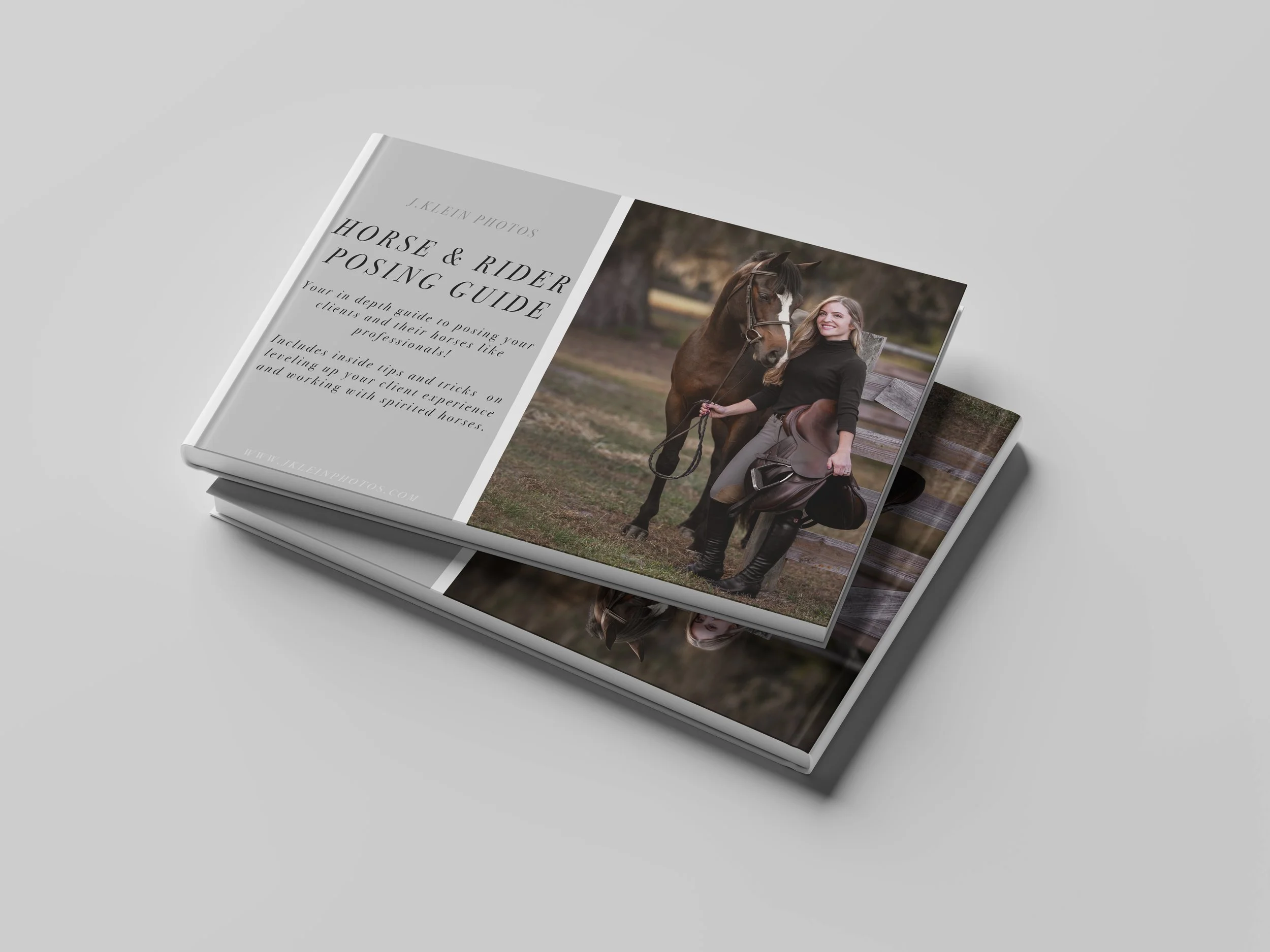
If you are looking for an all inclusive posing guide for Horse & Rider Photoshoots, THIS is the guide you want! It started out as a simple guide, which quickly turned into a book, each page packed with eduction, examples showing good/bad poses, additional tips to consider for customizing poses for your client, and tricks to overcoming challenging equine behavior.
If you are not able to join me for a private mentorship or a workshop, this guide is the next best step. I don’t hold back any information, as I was YOU to succeed in your photography journey!
This 60+ page PDF downloadable guide includes…
Ways to set yourself up for success at any photoshoot
Location scouting & finding variety in backgrounds
Important aspects to remember
Refining the client details + posing methods
Refining the horse details + posing methods
Overcoming behavioral challenges with horses
Ways and tools to get ears UP!
4 Types of photograph compositions
360˚ Posing theory + maximizing photos from a single pose
Walking poses
Straight forward poses
Sideways poses
Nose to nose poses
Silhouette poses
Hugging poses
Kneeling poses
Sitting poses
Grazing poses
Riding poses
Separation poses
Movement poses
Group poses
Breaking down poses to rebuild and refine
Critiquing your images
Setting Goals
Additional methods for furthering education
Purchase will include the guide as aPDF download. Downloads will be available for 24 hours following your purchase, so please plan accordingly to save your files.
Bundle Your Education & Save!
( click on product to learn more about it! )

This BUNDLE includes the following:
Photoshop Brushes for Equine & Canine Photographers (2024 Edition, 36 Brushes)
Equine Portrait Floor Replacements ( 2024 Edition, 20 Floors & Black Backgrounds)
Full Body Equine Portrait Editing Tutorial (1 HR Video)
Equine Portrait on White & Black Background Editing Tutorial (1HR 20MIN Video)
Equine Portrait Creating Composition Editing Tutorial (45 MIN Video)
Equine Portrait Posing Guide (PDF)
Purchase will include a PDF download with instructions and links to your download! Downloads will be available for 24 hours following your purchase, so please plan accordingly to save your files.
Download will only be available for 24 hours following purchase, so please save this video accordingly! Resending receipts or providing new download links after 24 hours will be accompanied with a fee.

This BUNDLE includes the following :
Full Body Equine Portrait Editing Tutorial (1 HR Video)
Equine Portrait on White & Black Background Editing Tutorial (1HR 20MIN Video)
Equine Portrait Creating Composition Editing Tutorial (45 MIN Video)
Purchase will include a PDF download with instructions and links to your download! Downloads will be available for 24 hours following your purchase, so please plan accordingly to save your files.
*Does not include 2024 photoshop brushes, floor replacements, or posing guide.
Download will only be available for 24 hours following purchase, so please save this video accordingly! Resending receipts or providing new download links after 24 hours will be accompanied with a fee.
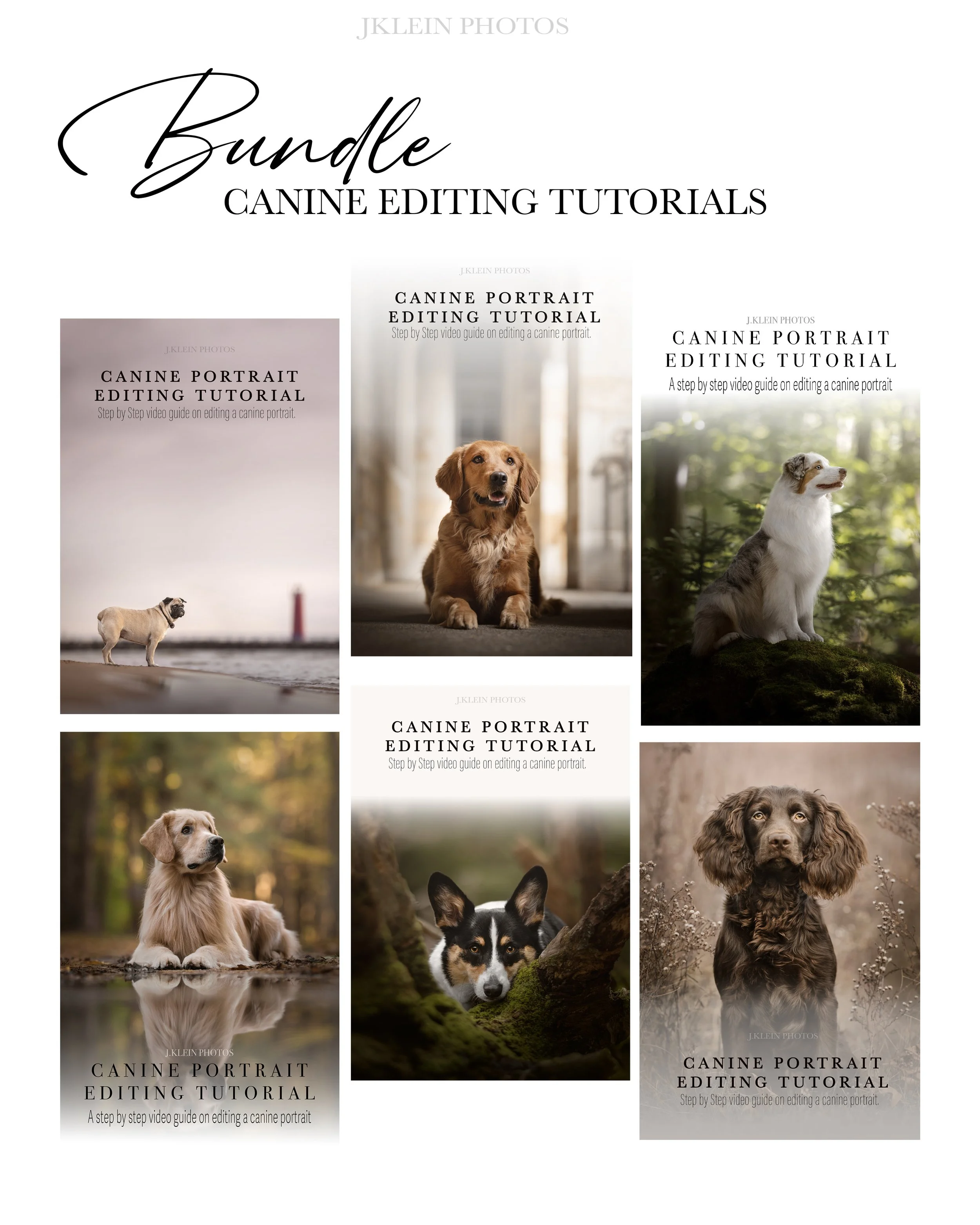
Dive into learning J.Klein Photos signature editing style, turning a RAW file into a fine art digital image ready for print! Each tutorial is packed with education, including techniques for individual tools, alternative methods, and Jesse’s thought process for in the moment editing.
These tutorials are created with photographers in mind, allowing you to start/stop and review the education whenever, wherever with the one time download to own tutorials.
This BUNDLE includes the following:
Beach Canine Editing Tutorial (Brady)
Urban Canine Editing Tutorial (Jemma)
Woodland Canine Editing Tutorials (Winston)
Woodland Canine Editing Tutorials (Dune)
Reflection Canine Editing Tutorial (Tripp)
Field Canine Editing Tutorial (Jasper)
HIGHLIGHTs in this bundle includes the following:
RAW files to editing along with Jesse*
Merging multiple files to build larger landscape
Eliminating distractions + dog handlers
Mastering color control (forest greens, sunset hues + fall browns)
Mastering lighting + exposure using masks + gradients
Creating that POP or WOW factor to make your subjects stand out
Dominating brushes from basic to advanced settings for full optimization
Creating + customizing brushes
Editing shortcuts to speed up your editing time
BTS Photography tricks to creating reflection photos
And MORE!
*RAW files to edit along with the tutorials are only included with bundles.
*This course does NOT include the mentioned J.Klein Photos Brush Collections or Photoshop Brushes 101 Master Course Tutorial.
Purchase will include a PDF download with instructions and links to your download! Downloads will be available for 24 hours following your purchase, so please plan accordingly to save your files.
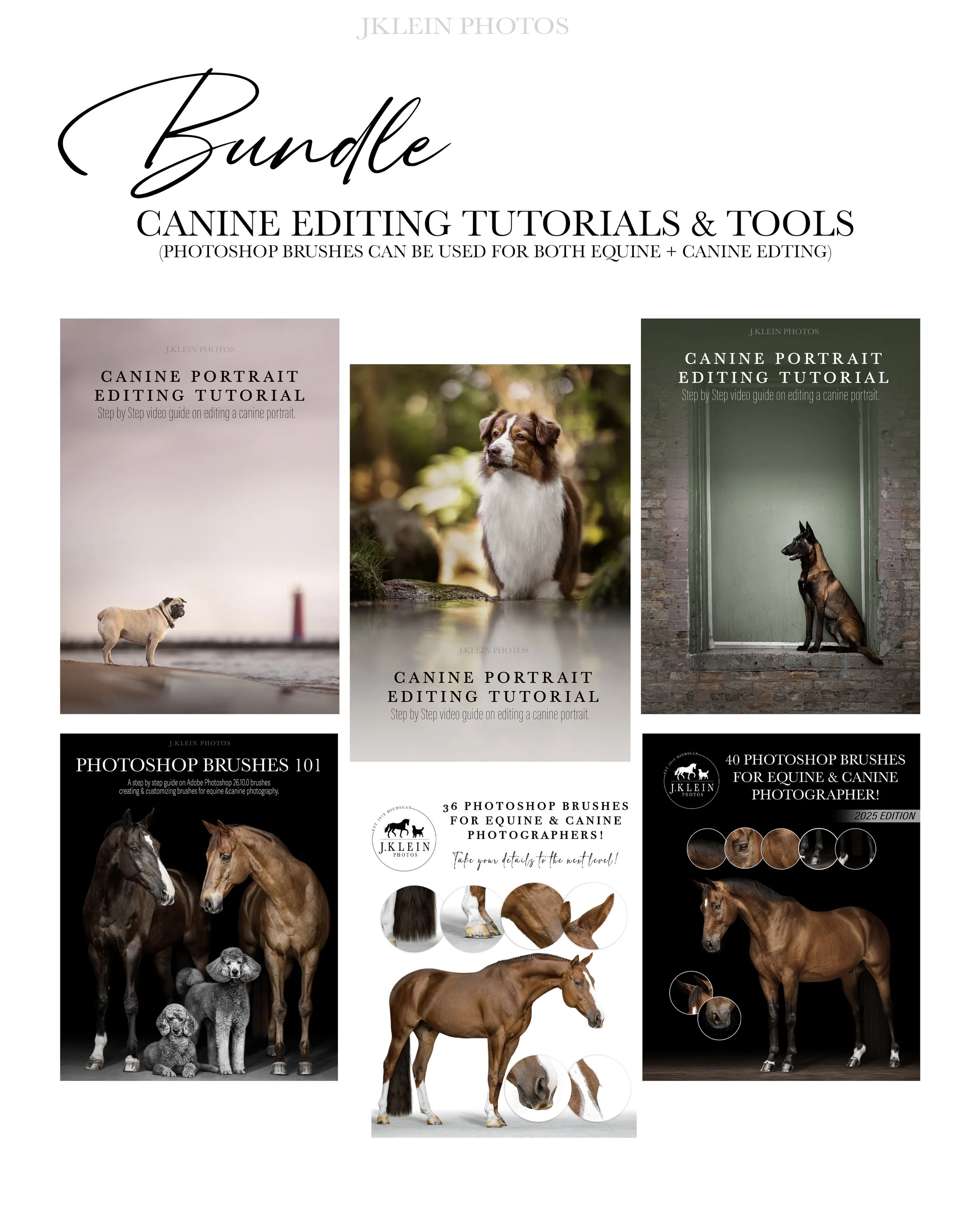
Dive into learning J.Klein Photos signature editing style, turning a RAW file into a fine art digital image ready for print! Each tutorial is packed with education, including techniques for individual tools, alternative methods, and Jesse’s thought process for in the moment editing. These tutorials are created with photographers in mind, allowing you to start/stop and review the education whenever, wherever with the one time download to own tutorials. As a bonus, you’ll receive Jesse’s highly sought after photoshop hair brushes, and an hour long course on mastering brushes to add valuable details back into your photos, while speeding up your editing time!
This bundle includes the following:
Beach Canine Editing Tutorial (Brady)
Reflection Canine Editing Tutorial (Roaree)
Urban Canine Editing Tutorial (Finn)
Photoshop Brushes 101 Master Course
2024 Photoshop Brushes for Equine + Canine Photographers
2025 Photoshop Brushes for Equine + Canine Photographers
HIGHLIGHTs in this bundle include the following:
RAW files to editing along with Jesse*
Merging multiple files for a larger landscape
Eliminating distractions and dog handlers
Mastering color control
Mastering lighting and exposure
Creating that POP or WOW factor to make your subjects stand out
Dominating brushes from basic to advanced settings for full optimization
Creating and customizing brushes
Editing shortcuts to speed up your editing time
And MORE!
*RAW files to edit along with the tutorials are only included with bundles.
*This course does NOT include the mentioned J.Klein Photos Brush Collections or Photoshop Brushes 101 Master Course Tutorial.
Purchase will include a PDF download with instructions and links to your download! Downloads will be available for 24 hours following your purchase, so please plan accordingly to save your files.
Individual Equine Editing Tutorials
( click on product to read tutorial details!)
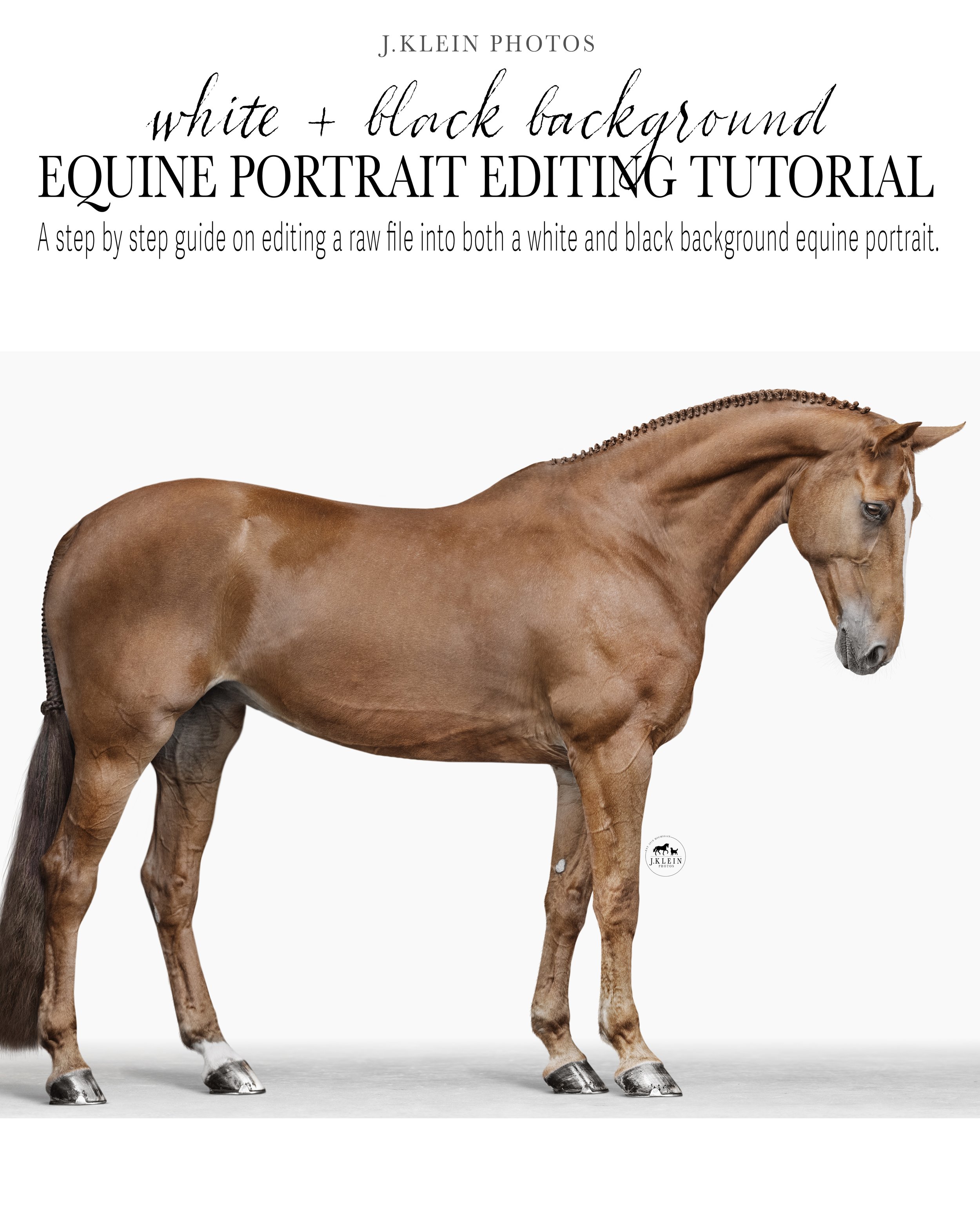
This 1 Hour 45 Minute tutorial is packed with education, including techniques for individual tools, alternative methods, and Jesse’s thought process for in the moment editing. This tutorial is created with photographers in mind, allowing you to PLAY, PAUSE PRACTICE, returning to review the education whenever, wherever with the one time download to own tutorials. Every topic included in this tutorial can be applied to all Equine Portrait Editing!
Highlights from this tutorial include…
Recognizing lighting best suited for a BLACK or WHITE background
Editing adjustments to create both a black AND white background using curves, levels, masks + gradients
Identifying + controlling color, specifically color correcting chestnut tones, removing unwanted colors (green, blue, purple, magenta)
Use of masks to remove background seamlessly, with techniques to avoid the “sticker” or “cut out” effect
Floor replacement + creating realistic shadows from hooves + legs
Correcting conformation of the horse due to posing flaws using liquify
Thought process of cropping + living outside of the 2:3 ratio, while retaining flexibility to adjust to other ratios without damaging or losing data
Creating contrast making your horse POP from the background when using levels, dodge + burn
Removing distractions (including Naked Halter) + retouching blemishes seamlessly when choosing the best textured brush tips to use, as either clone or brushes, to retouch blemishes on the horse’s coat.
Pros and cons of using Generative Fill (AI) editing
Adjusting + customizing J.Klein Photos brushes with basic brush settings to match and replace the horse’s details (in particular the ears, whiskers, mane, forelock + tail, that were lost from the mask).
Retouching eyes to remove reflections
Relationship and organization of layers in Photoshop
Tricks to speed up your editing time including Photoshop Shortcuts
File requirements + prepping for client’s use vs fine art printing
» BONUS Material! This course includes the RAW file to practice with, 7 J.Klein Photos Brushes + 1 white background floor replacement and 1 black background floor replacement.
Purchase will include a PDF download with instructions and links to your download!
Download will only be available for 24 hours following purchase, so please save this video accordingly! Resending receipts or providing new download links after 24 hours will be accompanied with a fee.
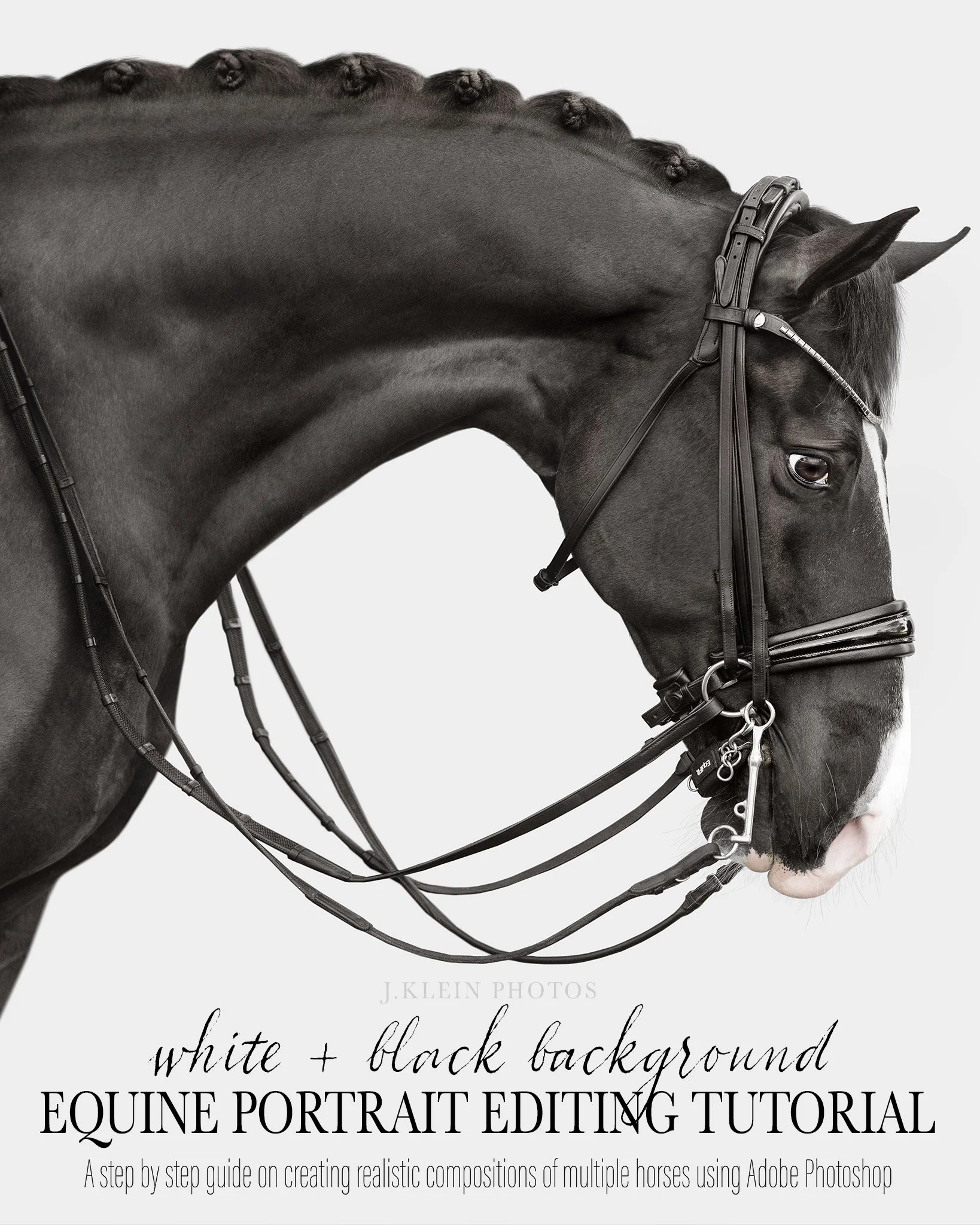
Dive into learning J.Klein Photos signature editing style, turning a RAW file into a fine art WHITE background AND BLACK background image ready for print!
This 1 Hour 30 Minute tutorial is packed with education, including techniques for individual tools, alternative methods, and Jesse’s thought process for in the moment editing. These tutorials are created with photographers in mind, allowing you to start/stop and review the education whenever, wherever with the one time download to own tutorials.
Highlight from this tutorial include…
Identifying + controlling color, specifically to recover a sun bleached coat, + removing grass stains + blue color casting
Use of masks to remove background seamlessly, with techniques to avoid the “sticker” or “cut out” effect
Tricks to speed up your editing time masking around reins
Creating contrast making your horse POP when using levels, dodge + burn
Removing distractions + retouching blemishes using clone + spot healing
Thought process of cropping + living outside of the 2:3 ratio, while retaining flexibility to adjust to other ratios without damaging or losing data
Choosing the best J.Klein Photos brushes to replace finer details lost in the masking process
Adjusting + customizing J.Klein Photos brushes to match the horse’s details, in particular the ears, whiskers, mane, forelock + jaw line
Editing adjustments for a white vs black background using curves, levels, masks + gradients
File requirements + prepping for client’s use vs fine art printing
*This course does NOT include the mentioned J.Klein Photos Brush Collections or Photoshop Brushes 101 Master Course Tutorial.
Purchase will include a PDF download with instructions and links to your download! Downloads will be available for 24 hours following your purchase, so please plan accordingly to save your files.

Learn my step by step process of how I edit a black background and white background equine portrait, using Adobe Photoshop 26.0.0.
During this 1HR 20MIN tutorial I walk you through my exact process, from selecting a raw file to transforming it into a completed black background AND white background file that is ready to print as fine art. This video includes details on…
Using Adobe Camera Raw & Photoshop
Lighting
Color Correction
Masking
Use of Layers
Removing Halters
Editing Eyes
Re-brushing Hair & Whiskers using J.Klein Photos Photoshop Brush Set
Removing Additional Blemishes (dirt, sweat, etc.)
File Adjustments for a Black Background vs a White Background
Photoshop Brushes are not included in this tutorial. Does not include education on full body edits or floor replacements. Purchase will include a PDF download with instructions and a link to your download!
Download will only be available for 24 hours following purchase, so please save this video accordingly! Resending receipts or providing new download links after 24 hours will be accompanied with a fee.

Learn my step by step process of how I edit a FULL BODY black background equine portrait, using Adobe Photoshop 26.0.0.
During this 1HR tutorial I walk you through my exact process in Adobe Photoshop 26.0.0, from selecting a raw file to transforming it into a completed black background file that is ready to print as fine art. This video includes details on…
Using Camera Raw and Adobe Photoshop
Lighting Correction
Color Correction
Masking
Use of Layers
Head and Eye Swap
Editing Eyes
Removing Halters
Re-brushing Hair, Whiskers & Tail using 2024 J.Klein Photos Photoshop Brush Set
Removing Additional Blemishes (dirt, sweat, etc.)
Floor and Background Replacement
File Adjustments for a Black Background vs a White Background
Photoshop Brushes are not included in this tutorial. Floor Replacement Files are not included in this tutorial. Purchase will include a PDF download with instructions and a link to your download!
Download will only be available for 24 hours following purchase, so please save this video accordingly! Resending receipts or providing new download links after 24 hours will be accompanied with a fee.

Learn my step by step process of how choose images and create realistic compositions between multiple horses, using Adobe Photoshop 26.0.0.
During this 45MIN advanced tutorial I walk you through my exact process in Adobe Photoshop 26.0.0, from selecting raw files of individual horses, to transforming them into a realistic composition that is ready to print as fine art! This video includes details on…
Tricks to photographing complimentary poses
Finding the best images to use for compositions
Matching perspectives and creating a conversation between horses
Use of layers in composition building
Masking to add realistic shadows and depth
Re-brushing details using 2024 J.Klein Photos Photoshop Brush Set
Photoshop Brushes are not included in this tutorial. The Equine Portrait Posing Guide is not included in this tutorial. This tutorial does not include step by step education on retouching horses or floor replacements. Purchase will include a PDF download with instructions and a link to your download!
Download will only be available for 24 hours following purchase, so please save this video accordingly! Resending receipts or providing new download links after 24 hours will be accompanied with a fee.
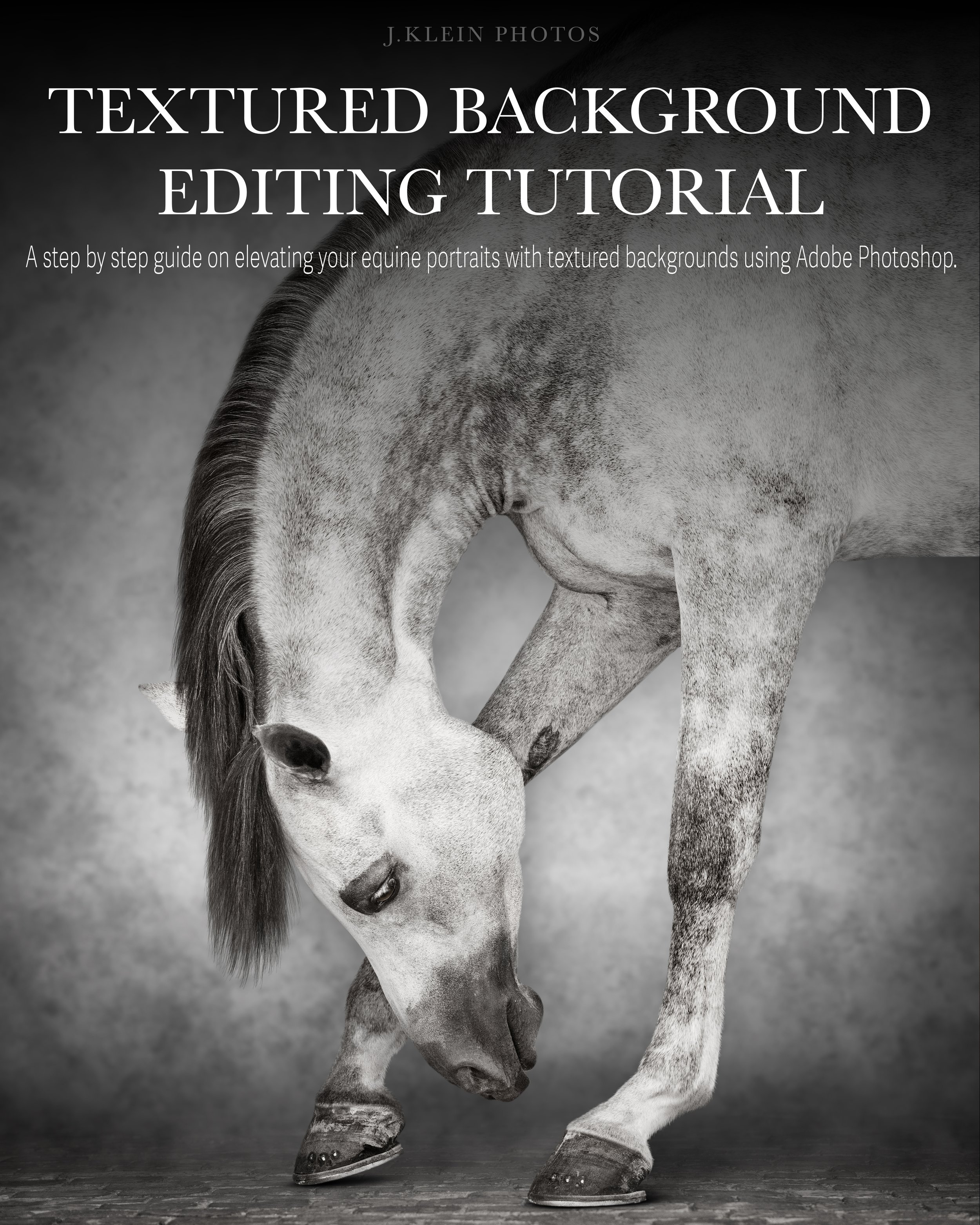
Learn my step by step process of choosing and customizing textured backgrounds to elevate your Equine Portraits, so they will stand out against the masses of black or white background portraits, and to offer these customized pieces as fine art for clients.
During this 60 minutes course, we’ll be using Adobe Photoshop 26.10.0 to edit a bay and chestnut portraits, as well as a gray and strawberry roan horse with a floor, using four different textured backgrounds from J.Klein Photos Textured Background collection. We’ll be diving into specifics such as…
Identifying and refining important details
Importing textured backgrounds
Customization of textured background through use of layers, masks and brushes by using the following tools
Curves
Levels
Hue/Saturation
Solid Color
Brightness/Contract
Gaussian Blur
Eyedropper
Dodge/Burn
Color Balance
Selective Color
Gradience
Keyboard shortcuts to speed up your editing time
File management and saving
This course does require prior knowledge of editing Equine Portraits for a black or white background. I recommend the J.Klein Photos Full Body Equine Portrait Editing Tutorial.
This course does NOT include J.Klein Photos Textured Backgrounds. Those can be purchased separately.
Purchase will include a PDF download with instructions and a link to your download! Download will only be available for 24 hours following purchase, so please save this video accordingly! Resending receipts or providing new download links after 24 hours will be accompanied with a fee.
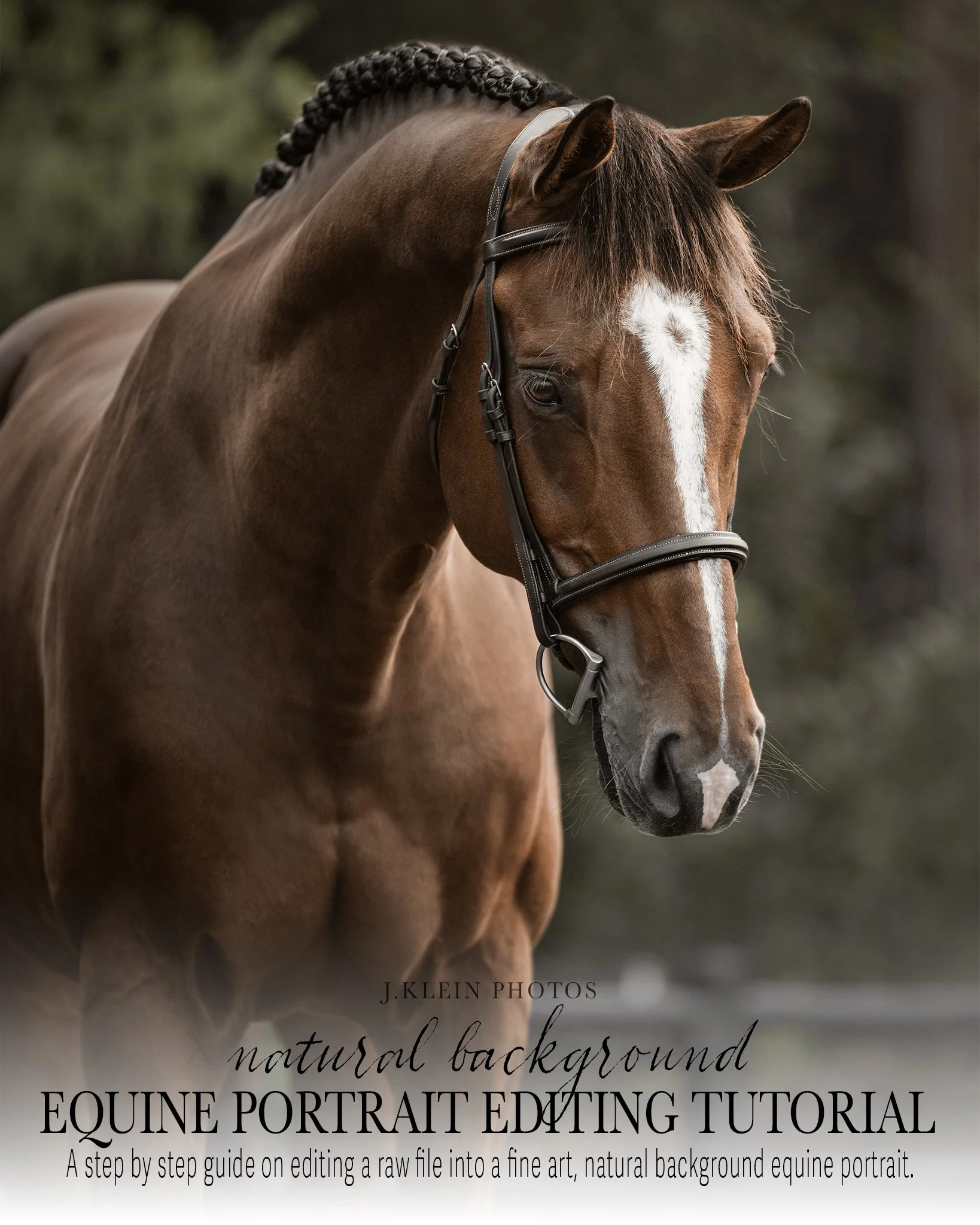
Dive into learning J.Klein Photos signature editing style, turning a RAW file into a fine art NATURAL background image ready for print!
This 1 Hour 20 Minute tutorial is packed with education, including techniques for individual tools, alternative methods, and Jesse’s thought process for in the moment editing. These tutorials are created with photographers in mind, allowing you to start/stop and review the education whenever, wherever with the one time download to own tutorials.
Highlights from this tutorial include…
Identifying + controlling color, specifically
Identifying colors throughout the image, what colors we want to keep vs remove or replace.
Separating the horse from the background, allowing more control in color correction by using masks in Camera Raw + Photoshop layers
Temperature, Color Mixer, Color Balance and Sponge tools
Manipulation and Relationships of Saturation, Hue and Luminance
Removing unwanted objects (lead rope + assistant hand), using Generative Fill and blending seamlessly with Clone Stamp.
Retouching the horse’s coat, eliminating scratches, bug bites, flyaway hairs, etc. using Spot Healing, Clone Stamp and History Tools
Using Levels, Dodge and Burn to make the horse POP from the background.
Adding in radial gradients to create separation between the horse and the background, as well as creating a softer fill light for more sunshine.
Adding vignettes using Solid Color, pushing the viewers eye towards the subject and area of importance in the image.
Cropping to retain pixels, following the rule of thirds.
File requirements + prepping for client’s use vs fine art printing
*This course does NOT include the mentioned J.Klein Photos Brush Collections.
Purchase will include a PDF download with instructions and links to your download! Downloads will be available for 24 hours following your purchase, so please plan accordingly to save your files.
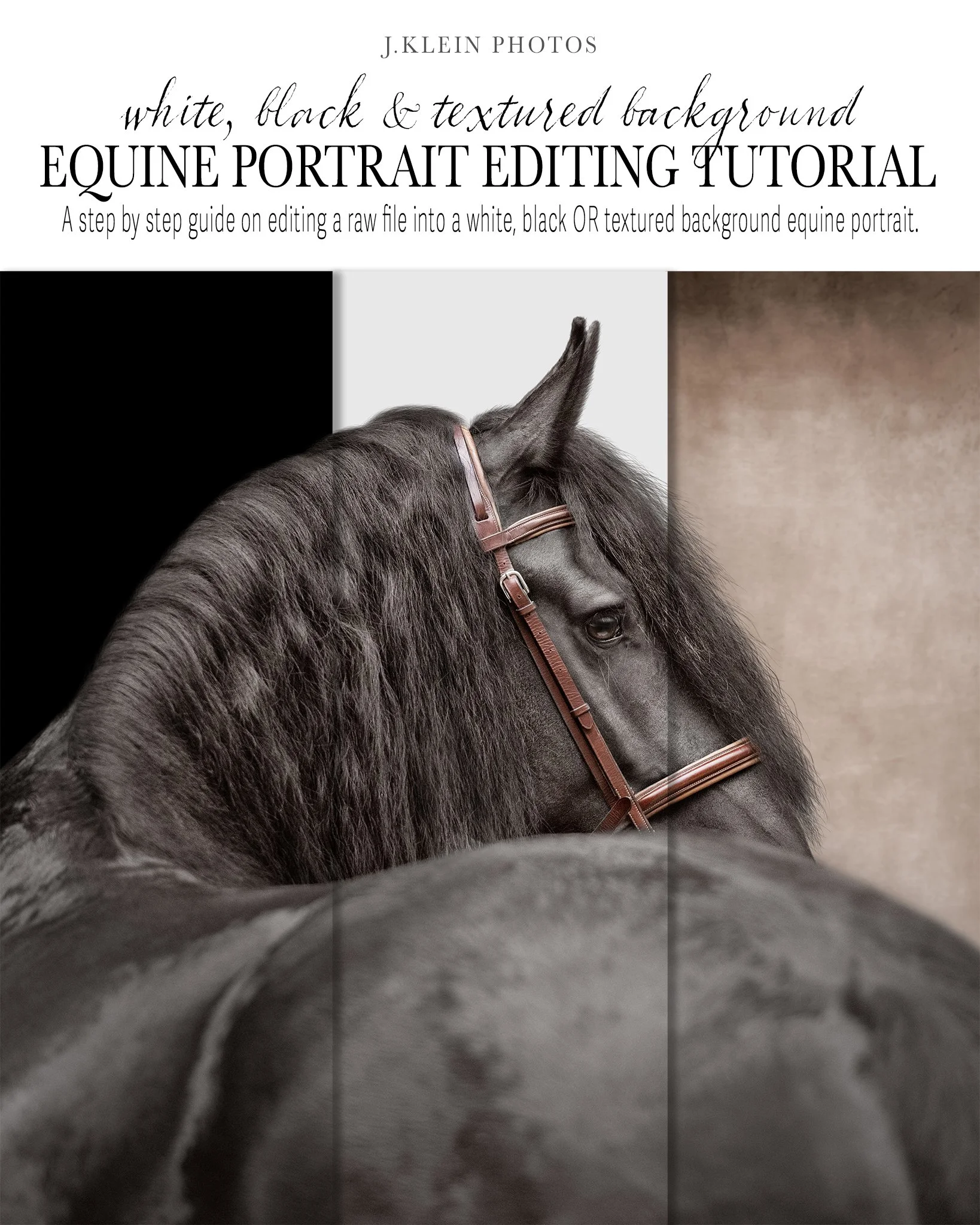
During this detailed 90 minute tutorial I walk you through my exact, step by step process using Adobe Photoshop 26.0.0, Camera Raw and Adobe Bridge, from selecting a raw file to transforming it into three files, with a white background, a black background, and a textured background, that is ready to print as fine art. This video includes details on…
Using Adobe Photoshop + Camera Raw + Adobe Bridge, including shortcuts to speed up your editing time.
Identifying lighting conditions for white background, black background AND textured background equine portraits.
Continual control over lighting using masks, levels, dodge, burn, and vignettes, giving your horse depth and making your horse POP from the background.
Color control using multiple layers, masks, and Camera Raw Color Mixer, ensuring the horse’s coat is color corrected, without losing the quality of color throughout the tack.
Retouching blemishes using clone and spot healing tool.
Retouching eyes, including adding color with brushes, adding depth with dodge and burn, and enhancing eye lash shadows using J.Klein Photos custom brushes.
Art of cropping for Equine Portraits, creating a balance image, while retaining a flexible crop for any future printing needs.
Creating a realistic mask, including tricks using curves to ensure your mask is seamless, avoiding the sticker cut out look for images photographed at a lower depth of field.
Adding details of the mane, forelock, ear fuzz, and face hair, using J.Klein Photos custom brushes (2024 + 2025 editions), with a clone stamp.
Identifying the correct textures and customizing brush settings to retain details that are consistent with the textures naturally found on the horse.
Adding in white, black and textured backgrounds, providing variety to the client with minimal and easy steps to your photoshop document.
Customizing J.Klein Photos textured backgrounds with colors and levels, and placing shadows to create a realistic “textured background studio look.”
Photoshop Brushes are not included in this tutorial, but are available for purchase HERE:
2024 Brush Collection: https://www.jkleinphotos.com/store/p/photoshop-brushes-for-equine-photographers
2025 Brush Collection: https://www.jkleinphotos.com/store/p/photoshop-brushes-for-equine-photographers-bfj52
Mentioned Photoshop Brushes 101 Master Course Tutorial is not included, but available for purchase HERE:
Purchase will include a PDF download with instructions and links to your download! Downloads will be available for 24 hours following your purchase. Additional links provided after 24 hours from purchase will be accompanied with a fee.
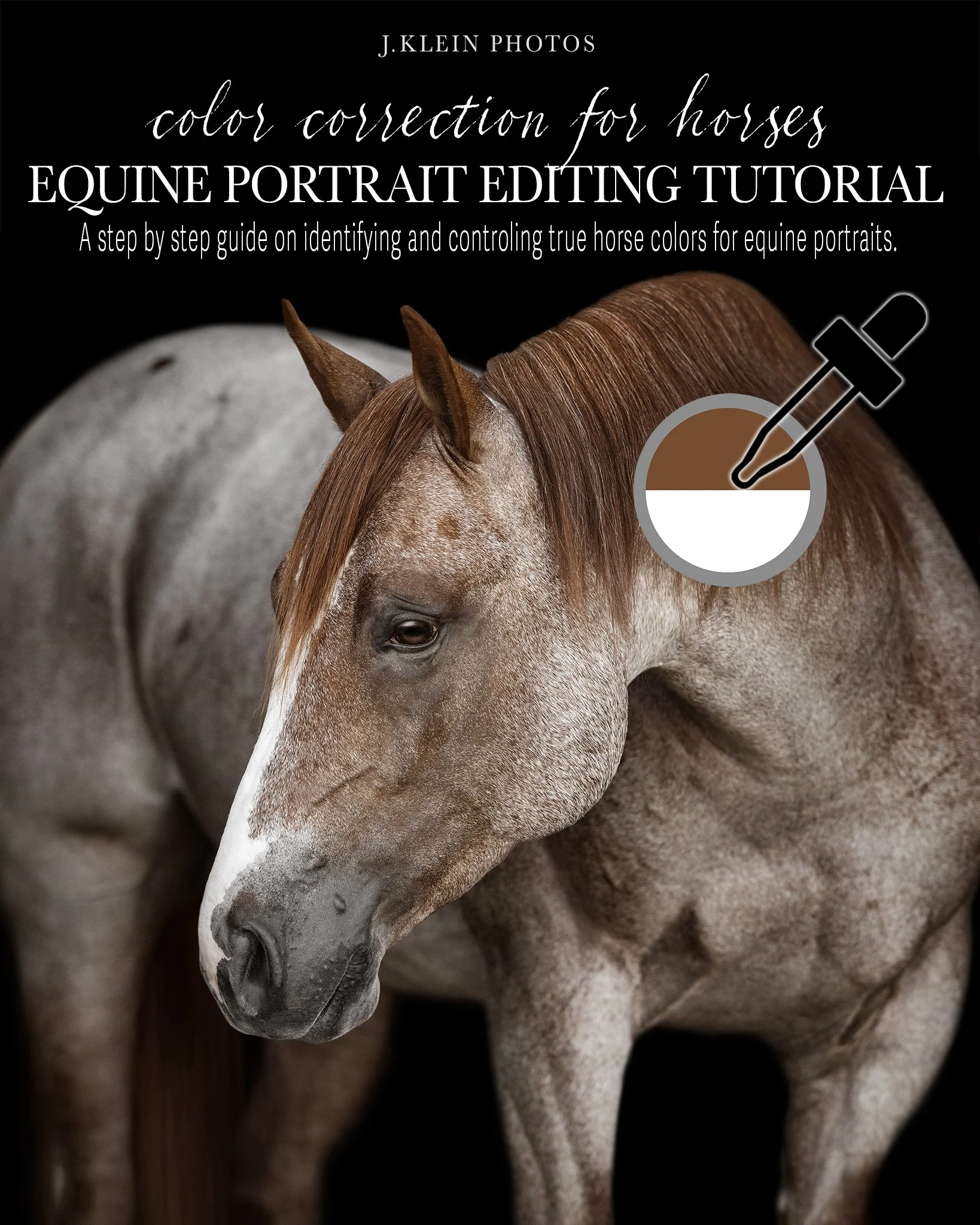
Dive into learning J.Klein Photos signature editing style, learning how to identify and control color tones throughout 13 different horse coat colors, using Adobe Camera Raw and Photoshop.
This 2.5 Hour tutorial is packed with education, including techniques for individual tools, alternative methods, and Jesse’s thought process for in the moment color adjustments. These tutorials are created with photographers in mind, allowing you to start/stop and review the education whenever, wherever with the one time download to own tutorials.
Highlights from this tutorial include…
Identifying colors throughout the image, what colors we want to keep vs remove or replace.
Manipulation and Relationships of Saturation, Hue and Luminance
Finding warmth through Temperature, Color Balance and Selective Color
Controlling Saturation and Desaturation using the Sponge tool
Masking to control colors individually
Making coat colors POP with Dodge, Burn and Levels
Purchase will include a PDF download with instructions and links to your download! Downloads will be available for 24 hours following your purchase, so please plan accordingly to save your files.
Individual Canine Editing Tutorials
( click on product to read tutorial details!)
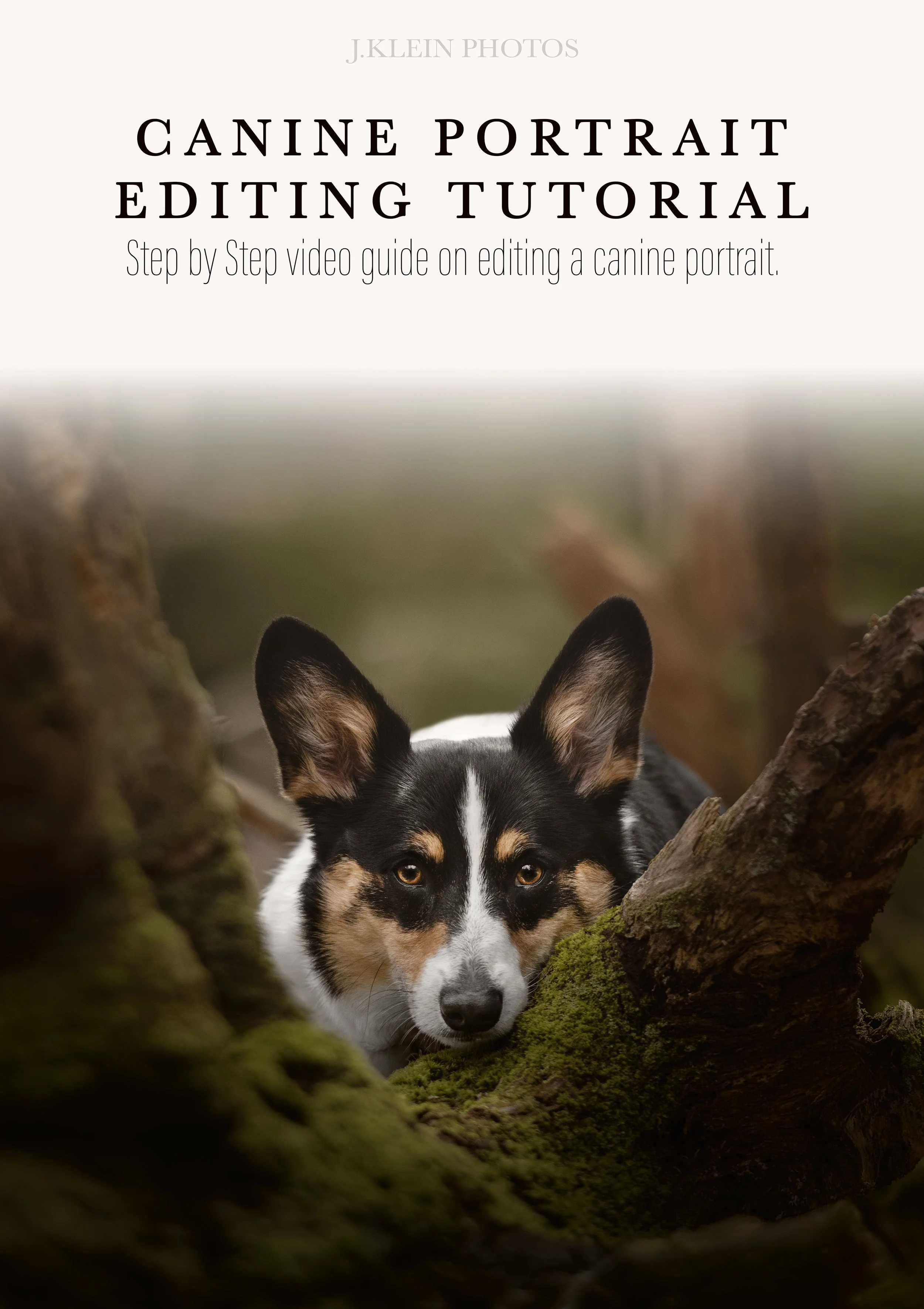
During this 40 minute canine editing tutorial of “Winston,” you will learn the step by step editing process to achieve my signature editing style using Camera Raw and Adobe Photoshop. We’ll be covering the following topics to transform a raw file into a fine art edit, ready for printing…
This video includes details on…
Camera Raw + Adobe Photoshop
Lighting + Exposure using Masks & Gradients
Color Control (Featuring RICH Greens!)
Composition & Rule of 3rds
Gradient Fill
Solid Color Vignettes
Removing distractions
Color Casting
Dodge + Burn
Retouching & Refining Details
Keyboard Shortcuts
These tutorials are created with photographers in mind, allowing you to start/stop and review the education whenever, wherever with the one time download to own tutorials.
*This course does NOT include the mentioned J.Klein Photos Brush Collections or Photoshop Brushes 101 Master Course Tutorial.
Purchase will include a PDF download with instructions and links to your download! Downloads will be available for 24 hours following your purchase, so please plan accordingly to save your files.
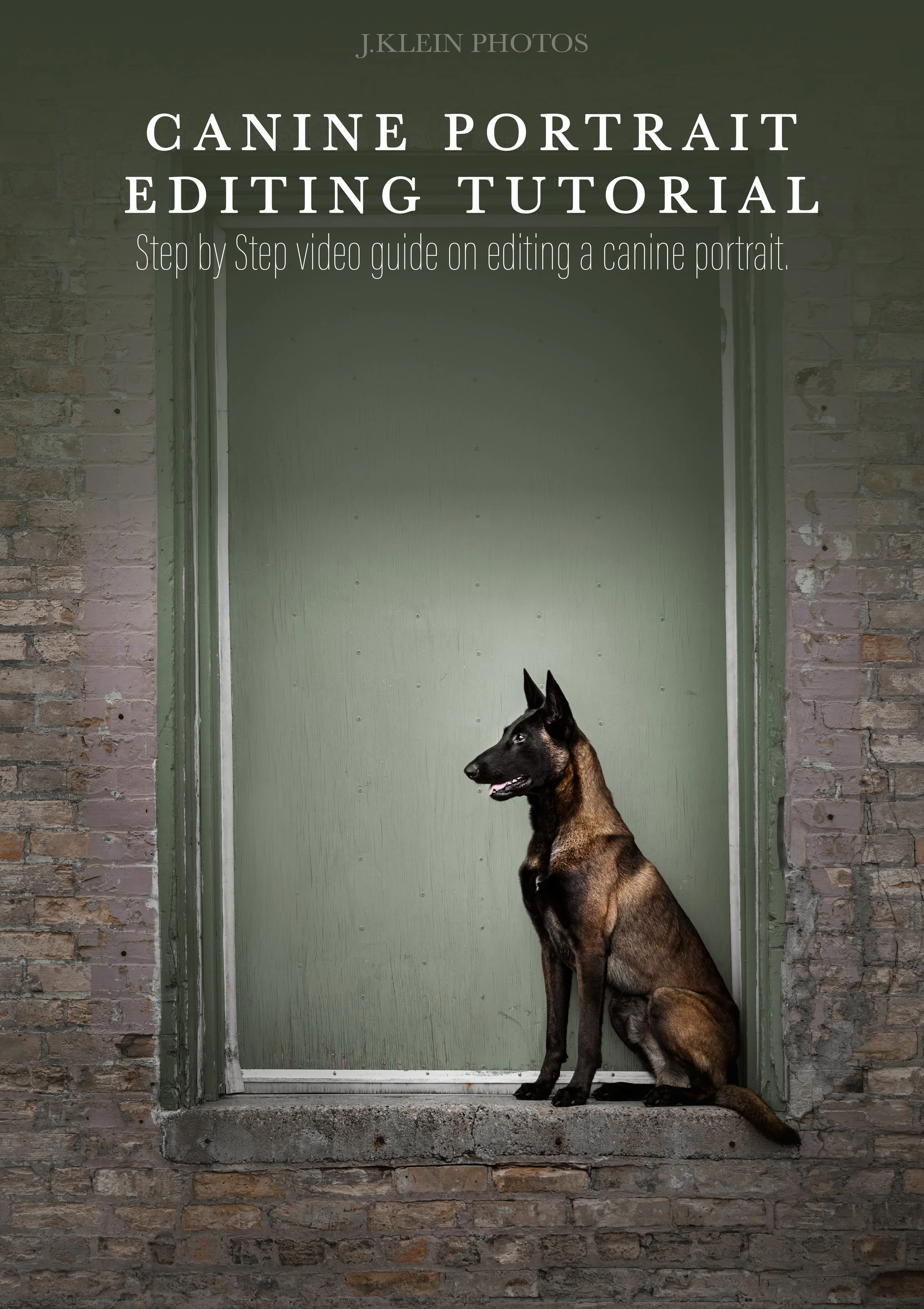
During this 40 minute urban canine editing tutorial of “Finn,” you will learn the step by step editing process to achieve my signature editing style using Camera Raw and Adobe Photoshop. We’ll be covering the following topics to transform a raw file into a fine art edit, ready for printing…
Merging multiple files to seamlessly eliminate dog handler using layers and masks
Creating and controlling color, specifically achieving a cohesive color palette using Camera Raw and Photoshop Masks
Retouching blemishes with Spot Healing, Remove and Clone
Removing Leash with Lasso and Generative Fill
Techniques when using J.Klein Photos 2024 Brush tips with Clone and Brushes
Perfecting perspective and symmetry when straightening image
Using Dodge, Burn and Levels for more control over contrast and making the dog POP from the background
Achieving artificial lighting when using Reflected and Radial Gradient Fills, Masks and Object Selection
Editing shortcuts to speed up your editing time And MORE!
These tutorials are created with photographers in mind, allowing you to start/stop and review the education whenever, wherever with the one time download to own tutorials.
*This course does NOT include the mentioned J.Klein Photos Brush Collections or Photoshop Brushes 101 Master Course Tutorial.
Purchase will include a PDF download with instructions and links to your download! Downloads will be available for 24 hours following your purchase, so please plan accordingly to save your files.
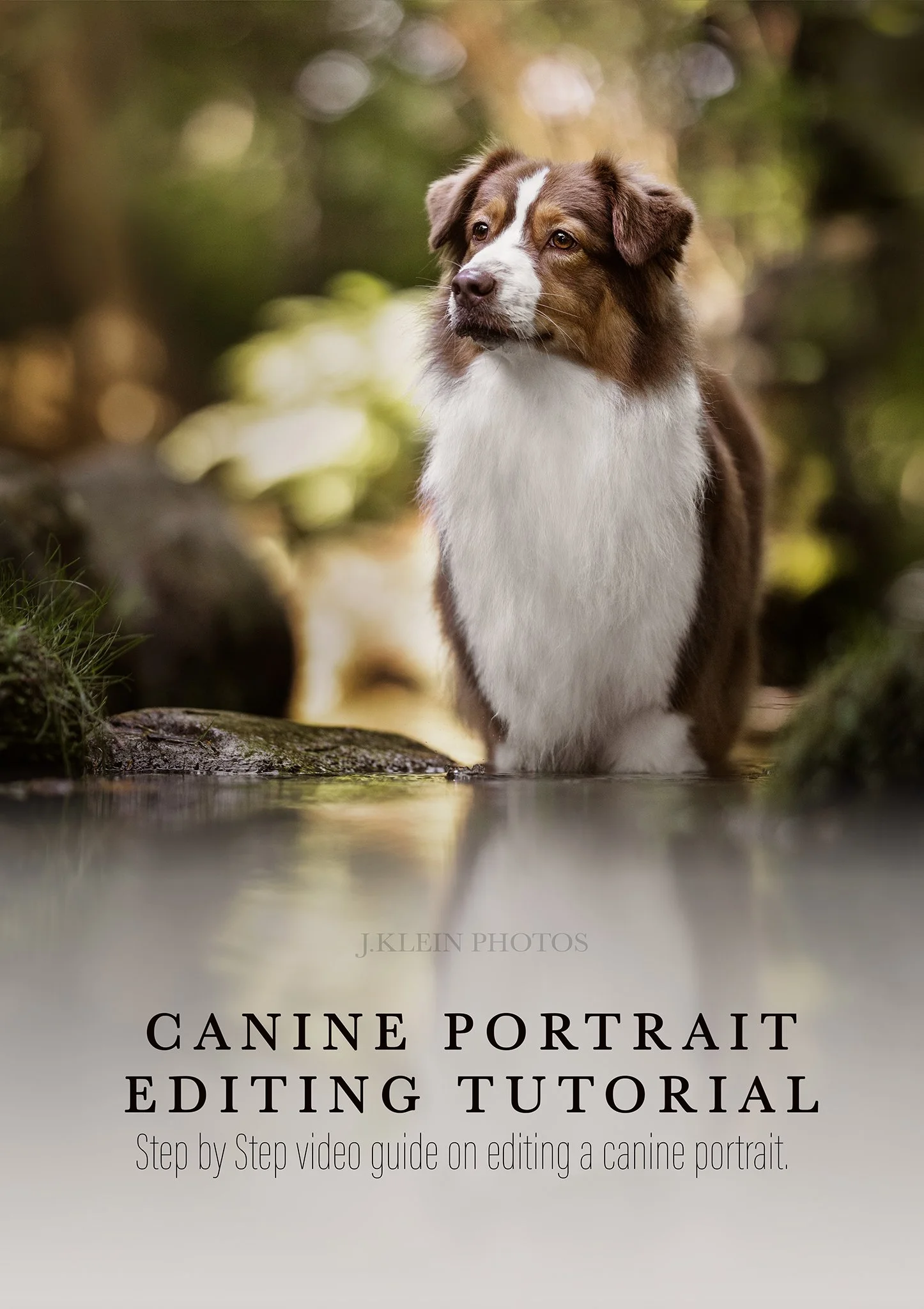
During this 70 minute reflection editing tutorial of “Roaree,” you will learn the step by step editing process to achieve my signature editing style using Camera Raw and Adobe Photoshop. We’ll be covering the following topics to transform a raw file into a fine art edit, ready for printing…
Creating and controlling color, specifically achieving rich greens and eliminating color casting in white coat
Achieving artificial lighting when using Reflected and Radial Gradient Fills, Masks and Object Selection
Balancing exposures using Camera Raw Masks
Eliminating distractions in background using Generative Fill
Techniques to removing wet coats using J.Klein Photos 2024 Brush tips with Clone and Brushes
Advanced settings with Clone, mirroring and angling brush tips
Retouching blemishes with Spot Healing, Remove and Clone
Using Dodge, Burn and Levels for more control over contrast and making the dog POP from the background
Replacing original reflection for a cleaner + clearer reflection
Editing shortcuts to speed up your editing time And MORE!
*This course does NOT include the mentioned J.Klein Photos Brush Collections or Photoshop Brushes 101 Master Course Tutorial.
These tutorials are created with photographers in mind, allowing you to start/stop and review the education whenever, wherever with the one time download to own tutorials.
Purchase will include a PDF download with instructions and links to your download! Downloads will be available for 24 hours following your purchase, so please plan accordingly to save your files.

During this 45 minute canine editing tutorial of “Brady,” you will learn the step by step editing process to achieve my signature editing style using Camera Raw and Adobe Photoshop. We’ll be covering the following topics to transform a raw file into a fine art edit, ready for printing…
This video includes details on…
Camera Raw + Adobe Photoshop
Merging Multiple Files for a Larger Landscape
Eliminating Distractions
Mastering Color Control
Mastering Lighting + Exposure
Layers with Masks & Gradients
Generative Fill
Warp & Perspective
Brushes & Clone
Rulers
Dodge + Burn
Levels
Solid Color Vignettes
Gradient Fill
Keyboard Shortcuts
These tutorials are created with photographers in mind, allowing you to start/stop and review the education whenever, wherever with the one time download to own tutorials.
*This course does NOT include the mentioned J.Klein Photos Brush Collections or Photoshop Brushes 101 Master Course Tutorial.
Purchase will include a PDF download with instructions and links to your download! Downloads will be available for 24 hours following your purchase, so please plan accordingly to save your files.
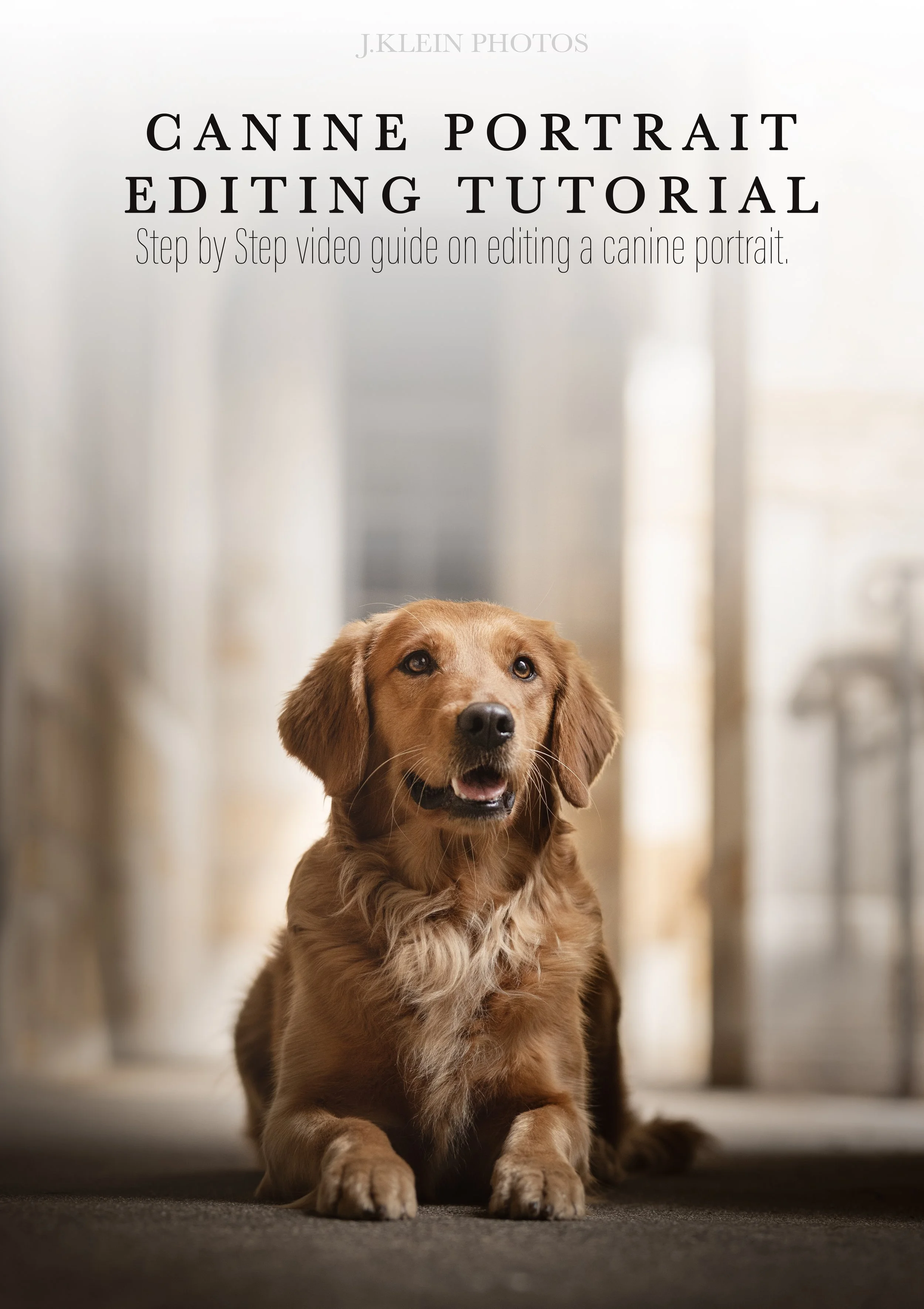
During this 30 minute urban canine editing tutorial of “Jemma,” you will learn the step by step editing process to achieve my signature editing style using Camera Raw and Adobe Photoshop. We’ll be covering the following topics to transform a raw file into a fine art edit, ready for printing…
Creating and controlling color, specifically achieving a cohesive color palette using Camera Raw and Photoshop Masks
Achieving artificial lighting when using Reflected and Radial Gradient Fills, Masks and Object Selection
Retouching blemishes with Spot Healing, Remove and Clone
Removing distractions using Generative Fill + Remove
Techniques when using J.Klein Photos 2024 Brush tips with Clone and Brushes
Perfecting perspective and symmetry when straightening image
Using Dodge, Burn and Levels for more control over contrast and making the dog POP from the background
Editing shortcuts to speed up your editing time And MORE!
These tutorials are created with photographers in mind, allowing you to start/stop and review the education whenever, wherever with the one time download to own tutorials.
*This course does NOT include the mentioned J.Klein Photos Brush Collections or Photoshop Brushes 101 Master Course Tutorial.
Purchase will include a PDF download with instructions and links to your download! Downloads will be available for 24 hours following your purchase, so please plan accordingly to save your files.

In this fast paced 50 minute water editing video of “Dexter” you will learn the step by step editing process to achieve my signature editing style using Camera Raw and Adobe Photoshop. We’ll be covering the following topics to transform a raw file into a fine art edit, ready for printing…
Controlling lighting using Camera Raw Light and Radial, Brush and Linear Masking
Creating and controlling color, specifically achieving rich greens in the background while eliminating yellow, purple and magenta tones throughout the dog’s coat in Camera Raw and Photoshop Masks
Removing additional targeted color using Sponge
Finding harmony between Saturations, Hue and Luminance in Camera Raw, and warm when using Color Balance in Adobe Photoshop
Removing owner in the background using generative fill and reverse clone
Recreating water droplets using brushes, layers and gaussian blur.
Retouching blemishes and removing distractions with Spot Healing, Remove and Clone
Masking in Adobe Photoshop on individual layers using Object Select and Brushes
Adding additional sunshine using Reflected and Radial Gradient Fills, Masks and Object Selection
Using Dodge, Burn and Levels for more control over contrast and making the dog POP from the background
Transforming image to adjust the perspective while straightening image
Photoshop Shortcuts
These tutorials are created with photographers in mind, allowing you to start/stop and review the education whenever, wherever with the one time download to own tutorials.
Purchase will include a PDF download with instructions and links to your download! Downloads will be available for 24 hours following your purchase, so please plan accordingly to save your files.

During this 45 minute canine editing tutorial of “Jasper,” you will learn the step by step editing process to achieve my signature editing style using Camera Raw and Adobe Photoshop. We’ll be covering the following topics to transform a raw file into a fine art edit, ready for printing…
This video includes details on…
Camera Raw + Adobe Photoshop
Eliminating Distractions
Mastering Color Control
Mastering Lighting + Exposure
Composition using Rule of 3rds
Layers with Masks & Gradients
Generative Fill + Selection
Rulers
Warp & Perspective
Brushes & Clone
Dodge + Burn + Sponge
Levels + Curves
Solid Color Vignettes
Gradient Fill
Keyboard Shortcuts
These tutorials are created with photographers in mind, allowing you to start/stop and review the education whenever, wherever with the one time download to own tutorials.
*This course does NOT include the mentioned J.Klein Photos Brush Collections or Photoshop Brushes 101 Master Course Tutorial.
Purchase will include a PDF download with instructions and links to your download! Downloads will be available for 24 hours following your purchase, so please plan accordingly to save your files.
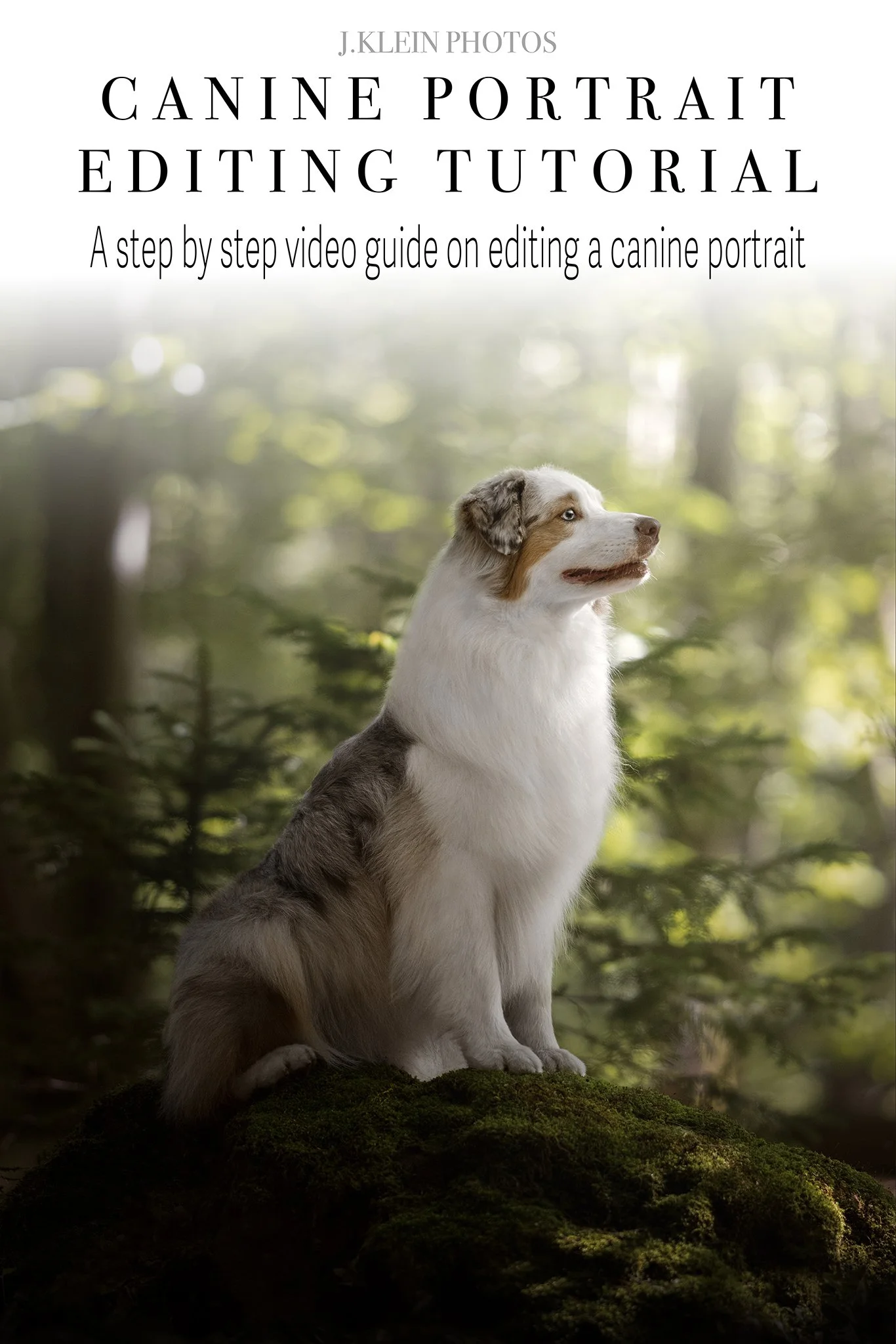
In this fast paced 30 minute woodland editing tutorial of “Dune” you will learn the step by step editing process to achieve my signature editing style using Camera Raw and Adobe Photoshop. We’ll be covering the following topics to transform a raw file into a fine art edit, ready for printing…
Controlling lighting using Camera Raw Light and Radial, Brush and Linear Masking
Creating and controlling color, specifically achieving rich greens in the background while eliminating green and yellow tones throughout the dog’s coat in Camera Raw and Photoshop Masks
Removing additional targeted color using Sponge
Finding harmony between Saturations, Hue and Luminance in Camera Raw, and warm when using Color Balance in Adobe Photoshop
Removing Leash with Lasso and Generative Fill
Retouching blemishes and removing distractions with Spot Healing, Remove and Clone
Using J.Klein Photos 2024 Brush tips with Clone to repair dog’s coat
Recovering data using History
Masking in Adobe Photoshop on individual layers using Object Select and Brushes
Adding additional sunshine using Reflected and Radial Gradient Fills, Masks and Object Selection
Using Dodge, Burn and Levels for more control over contrast and making the dog POP from the background
Transforming image to adjust the perspective while straightening image
Photoshop Shortcuts
These tutorials are created with photographers in mind, allowing you to start/stop and review the education whenever, wherever with the one time download to own tutorials.
*This course does NOT include the mentioned J.Klein Photos Brush Collections or Photoshop Brushes 101 Master Course Tutorial.
Purchase will include a PDF download with instructions and links to your download! Downloads will be available for 24 hours following your purchase, so please plan accordingly to save your files.
Photoshop Brushes Everyone is Raving About!
( click on product to learn more about it! )

Learn how to master Adobe Photoshop 26.10.0 brushes, to maximize your details and minimize your editing time! This course is wonderful for beginners, or for photographers looking to expand their knowledge and application of brushes.During this 60 minute video tutorial, we’ll be learning about the following specifics, such as…
Brush Settings
Brush Customizations
Importing & Exporting Brushes
Creating New Brushes
Optimizing Brushes with Presets
Brush Applications for Equine & Canine Photography
Keyboard Shortcuts
*This course does NOT include J.Klein Photos Brush Collections. Those can be purchased separately here:
2024 Edition - Photoshop Brushes for Equine & Canine Photographers : https://www.jkleinphotos.com/store/photoshop-brushes-for-equine-photographers
2025 Edition - Photoshop Brushes for Equine & Canine Photographers :
https://www.jkleinphotos.com/store/photoshop-brushes-for-equine-photographers-bfj52
Download will only be available for 24 hours following purchase, so please save this video accordingly! Resending receipts or providing new download links after 24 hours will be accompanied with a fee.

36 Photoshop brushes, designed for Equine & Canine Photographers who are looking to take their detailed work to the next level - while speeding up their editing time! Brushes include a variety of textures for mane, forelock, tail, whiskers, eye lashes, and body hair /fur, as well as realistic hoof and leg shadows for floor replacements. All can be used as brush tips or clone stamps.
File downloads as a PDF that includes links to your ABR file and importing video tutorial.
Download will only be available for 24 hours following purchase, so please save this video accordingly! Resending receipts or providing new download links after 24 hours will be accompanied with a fee.

NEW 40 Photoshop brushes, designed for Equine & Canine Photographers who are looking to take their detailed work to the next level - while speeding up their editing time! Brushes include a variety of textures for mane, forelock, tail, whiskers, eye lashes, and body hair /fur, as well as realistic hoof and leg shadows for floor replacements. All can be used as brush tips or clone stamps.
The 2025 Collection has all NEW brushes! If you have enjoyed the 2024 Collection, you will love expanding your library with the new set!
File downloads as a PDF that includes links to your ABR file and importing video tutorial.
Download will only be available for 24 hours following purchase, so please save this video accordingly! Resending receipts or providing new download links after 24 hours will be accompanied with a fee.
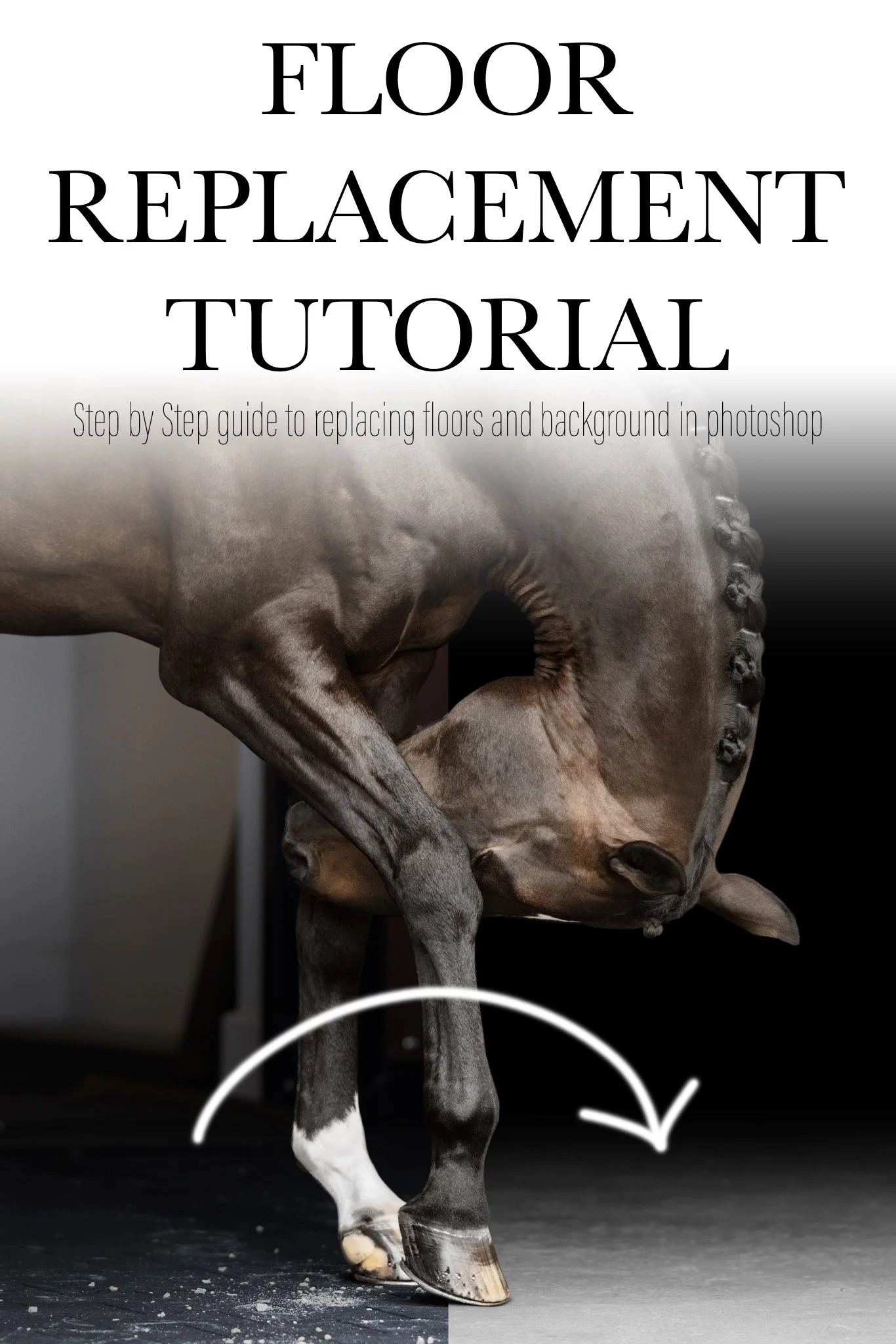
Learn my step by step process of how I use my black background floor replacement files in Adobe Photoshop 27.0.0. This 30 minute tutorial explains the use of layers, customizing the floor replacement files to match the depth of field and lighting in your image, as well as how to recreate realistic hoof and leg shadows.
Floor Replacement files and Photoshop Brushes are not included in this tutorial.
Download will only be available for 24 hours following purchase, so please save this video accordingly! Resending receipts or providing new download links after 24 hours will be accompanied with a fee.
Backgrounds & Floor Replacements
( click on product to learn more about it! )
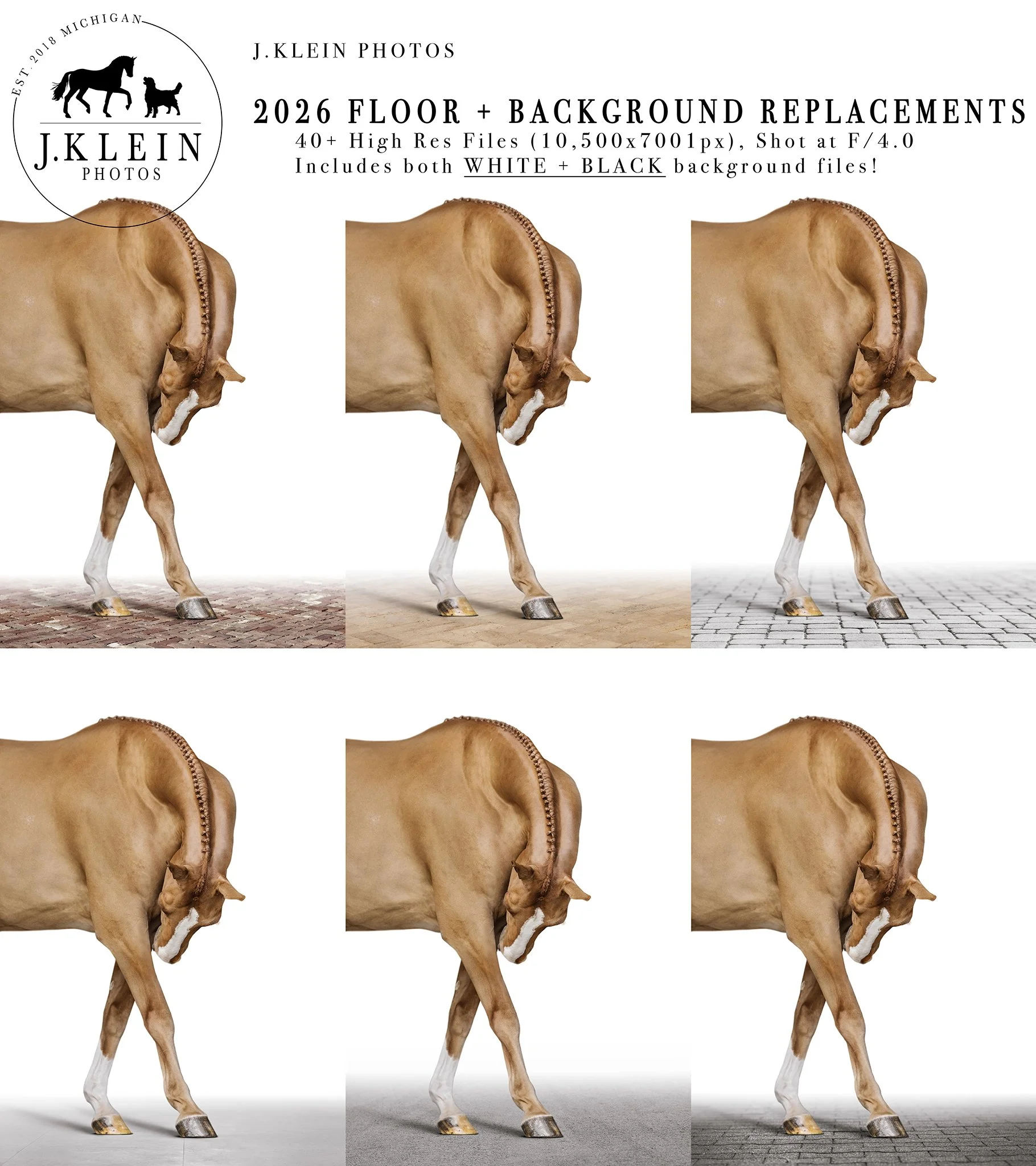
Enjoy an assortment of 40+ WHITE and BLACK background brick floor replacements (jpeg files, sizes 10,500 × 7,000 pixels and 300DPI.), ready to elevate your image with a clean floor and cut down on your editing time!
If assistance is needed to learn how to utilize these files to their full potential, I recommend also purchasing the Equine Portrait, Floor Replacement Tutorial for Photoshop, which is a step by step, 10 minute video of how I replace floors and backgrounds! (https://www.jkleinphotos.com/store/equine-portrait-floor-replacement-tutorial-for-photoshop)
» Purchase will include a PDF download with instructions and links to your download!
Download will only be available for 24 hours following purchase, so please save this video accordingly! Resending receipts or providing new download links after 24 hours will be accompanied with a fee.

Enjoy an assortment of WHITE background floor replacements, ready to elevate your image with a clean floor and cut down on your editing time!
Variety of 24 jpeg files, sizes 16,500 × 11,000 pixels and 300DPI.
If assistance is needed to learn how to utilize these files to their full potential, I recommend also purchasing the Equine Portrait, Floor Replacement Tutorial for Photoshop, which is a step by step, 10 minute video of how I replace floors and backgrounds!
Download will only be available for 24 hours following purchase, so please save this video accordingly! Resending receipts or providing new download links after 24 hours will be accompanied with a fee.

Enjoy an assortment of BLACK background floor replacements, ready to elevate your image with a clean floor and cut down on your editing time!
Variety of 24 jpeg files, sizes 16,500 × 11,000 pixels and 300DPI.
If assistance is needed to learn how to utilize these files to their full potential, I recommend also purchasing the Equine Portrait, Floor Replacement Tutorial for Photoshop, which is a step by step, 10 minute video of how I replace floors and backgrounds!
Download will only be available for 24 hours following purchase, so please save this video accordingly! Resending receipts or providing new download links after 24 hours will be accompanied with a fee.

Enjoy an assortment of textured backgrounds! These are a simple and elegant way to elevate your equine portraits, and allow your work to stand apart from the industry black backgrounds.
Variety of 35 jpeg files, sizes 5500 × 3700 pixels and 300DPI.
**All come as monochrome files, but includes instructions on how to easily customize files with color to match your horse!
Download will only be available for 24 hours following purchase, so please save this video accordingly! Resending receipts or providing new download links after 24 hours will be accompanied with a fee.
Additional Goodies!
( click on product to learn more about it! )

Upgrade your equine portraits with a PNG Wreath Overlay to help your clients celebrate the upcoming holidays! Choose from 9 wreath designs, then simply overlay them on your horse and add a drop shadow. Best suited for straight forward, 3/4 or side profile poses. 25 files included.

PRIVATE MENTORSHIPS
Learn from J.Klein Photos through virtual mentorships (taught via Zoom) or in person mentorships (based out of West Michigan)! These mentorships are personalized to your own photography goals, whether it’s learning camera settings, lighting, and posing, or editing, client management, or marketing.


Gift Cards can be used toward booking or upgrading photoshoot packages, fine art prints and printed products, or photography mentorships with J.Klein Photos.
WORKSHOPS
Looking for an excuse to get away, and immerse yourself in leveling up your photography skills, with like minded photographers? Weekend workshops focused for Equine Portrait Photography AND Canine Photography are now available for Florida and Michigan on select dates!