Image 1 of 12
Image 2 of 12
Image 3 of 12
Image 4 of 12
Image 5 of 12
Image 6 of 12
Image 7 of 12
Image 8 of 12
Image 9 of 12
Image 10 of 12
Image 11 of 12
Image 12 of 12
Equine Portrait, Black White AND Textured Background Editing Tutorial (Ziva)
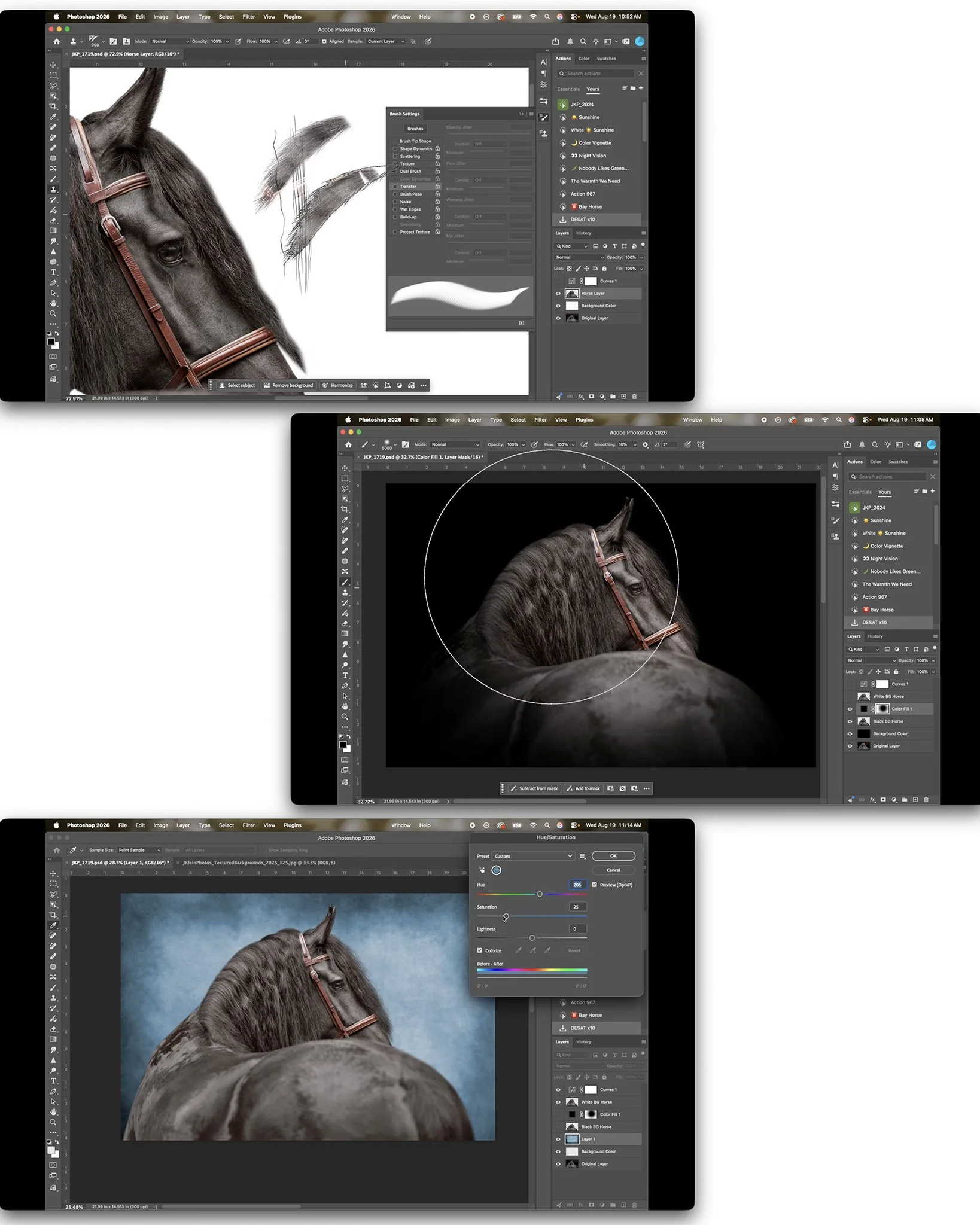
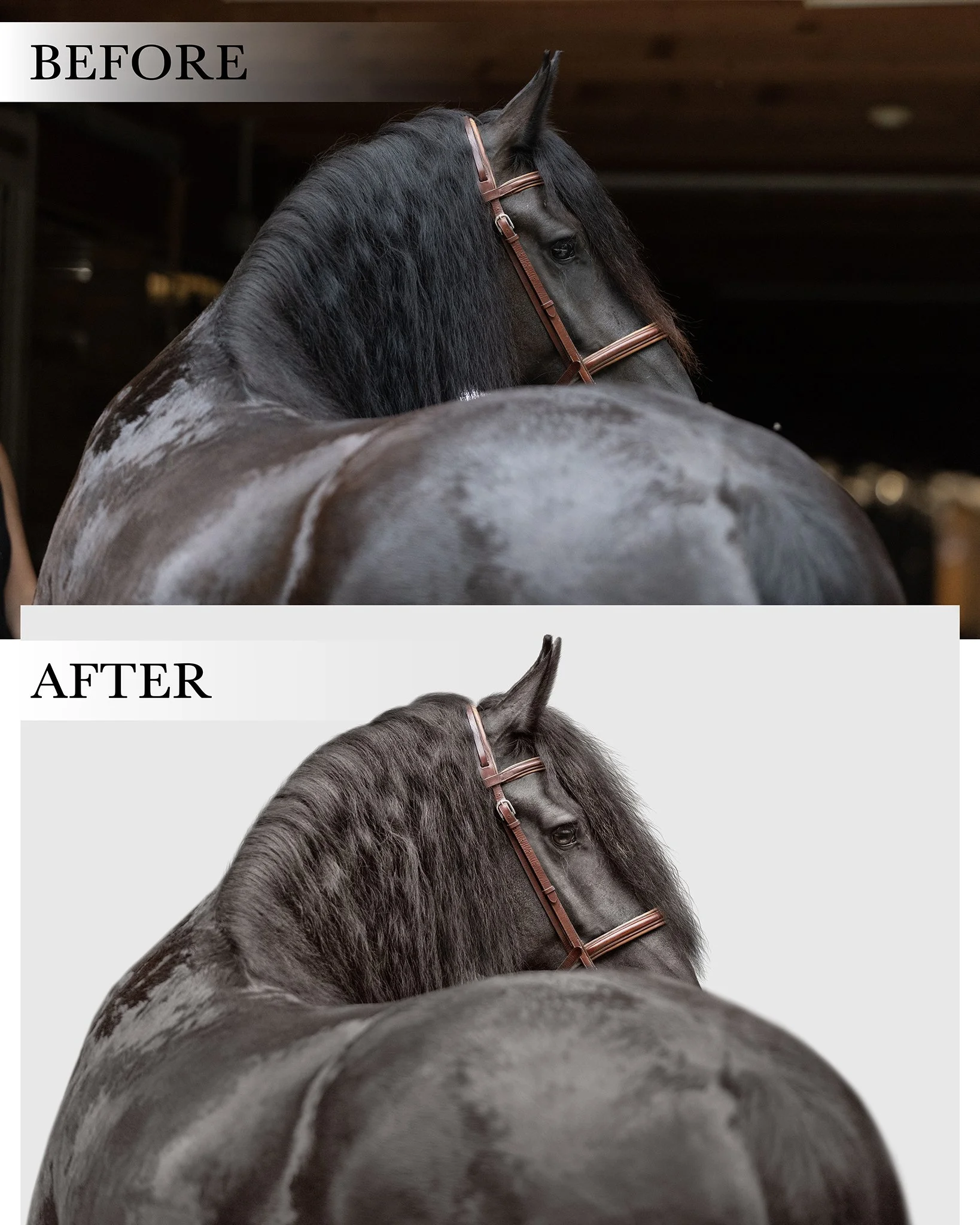
During this detailed 90 minute tutorial I walk you through my exact, step by step process using Adobe Photoshop 26.0.0, Camera Raw and Adobe Bridge, from selecting a raw file to transforming it into three files, with a white background, a black background, and a textured background, that is ready to print as fine art. This video includes details on…
Using Adobe Photoshop + Camera Raw + Adobe Bridge, including shortcuts to speed up your editing time.
Identifying lighting conditions for white background, black background AND textured background equine portraits.
Continual control over lighting using masks, levels, dodge, burn, and vignettes, giving your horse depth and making your horse POP from the background.
Color control using multiple layers, masks, and Camera Raw Color Mixer, ensuring the horse’s coat is color corrected, without losing the quality of color throughout the tack.
Retouching blemishes using clone and spot healing tool.
Retouching eyes, including adding color with brushes, adding depth with dodge and burn, and enhancing eye lash shadows using J.Klein Photos custom brushes.
Art of cropping for Equine Portraits, creating a balance image, while retaining a flexible crop for any future printing needs.
Creating a realistic mask, including tricks using curves to ensure your mask is seamless, avoiding the sticker cut out look for images photographed at a lower depth of field.
Adding details of the mane, forelock, ear fuzz, and face hair, using J.Klein Photos custom brushes (2024 + 2025 editions), with a clone stamp.
Identifying the correct textures and customizing brush settings to retain details that are consistent with the textures naturally found on the horse.
Adding in white, black and textured backgrounds, providing variety to the client with minimal and easy steps to your photoshop document.
Customizing J.Klein Photos textured backgrounds with colors and levels, and placing shadows to create a realistic “textured background studio look.”
Photoshop Brushes are not included in this tutorial, but are available for purchase HERE:
2024 Brush Collection: https://www.jkleinphotos.com/store/p/photoshop-brushes-for-equine-photographers
2025 Brush Collection: https://www.jkleinphotos.com/store/p/photoshop-brushes-for-equine-photographers-bfj52
Mentioned Photoshop Brushes 101 Master Course Tutorial is not included, but available for purchase HERE:
Purchase will include a PDF download with instructions and links to your download! Downloads will be available for 24 hours following your purchase. Additional links provided after 24 hours from purchase will be accompanied with a fee.
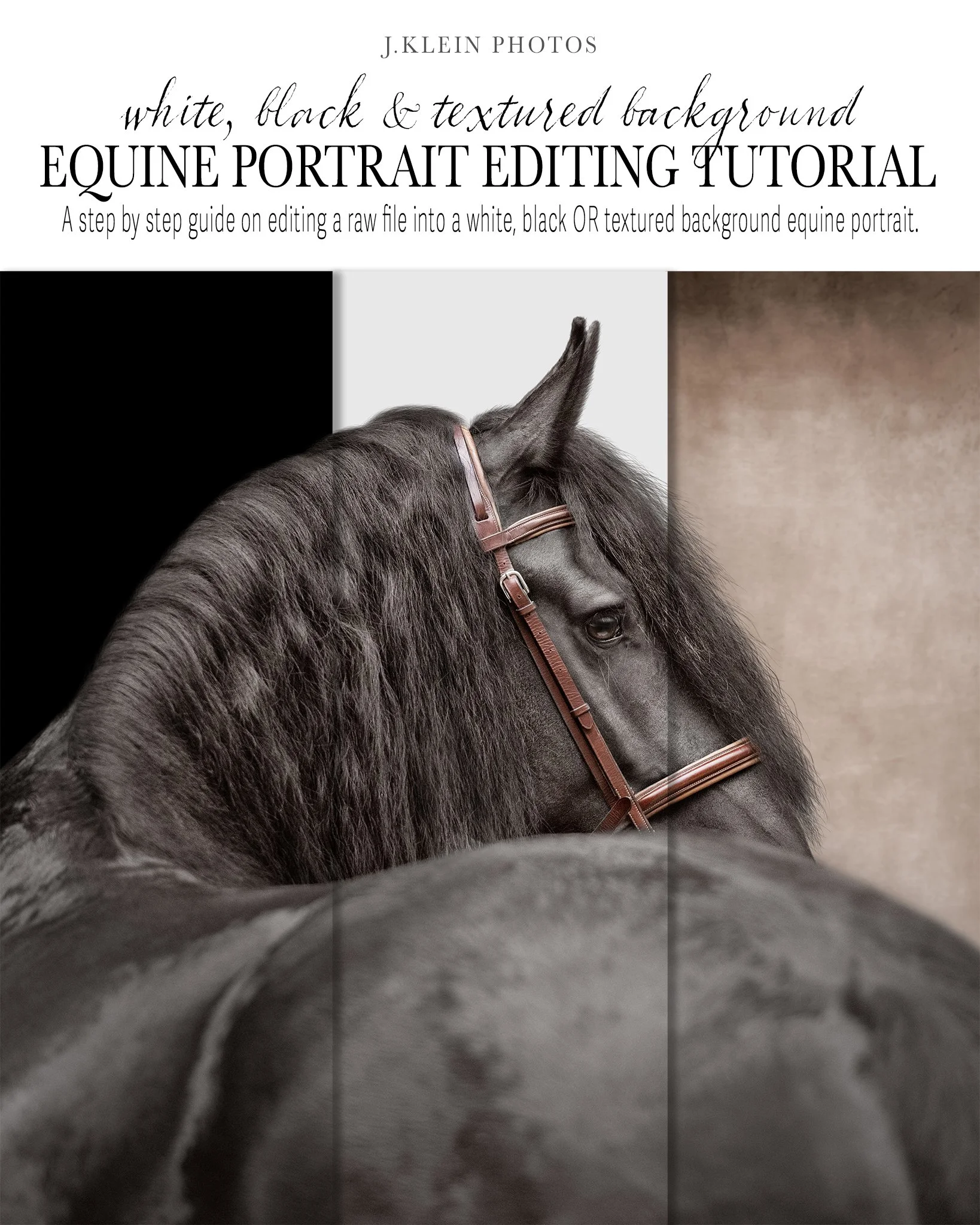
During this detailed 90 minute tutorial I walk you through my exact, step by step process using Adobe Photoshop 26.0.0, Camera Raw and Adobe Bridge, from selecting a raw file to transforming it into three files, with a white background, a black background, and a textured background, that is ready to print as fine art. This video includes details on…
Using Adobe Photoshop + Camera Raw + Adobe Bridge, including shortcuts to speed up your editing time.
Identifying lighting conditions for white background, black background AND textured background equine portraits.
Continual control over lighting using masks, levels, dodge, burn, and vignettes, giving your horse depth and making your horse POP from the background.
Color control using multiple layers, masks, and Camera Raw Color Mixer, ensuring the horse’s coat is color corrected, without losing the quality of color throughout the tack.
Retouching blemishes using clone and spot healing tool.
Retouching eyes, including adding color with brushes, adding depth with dodge and burn, and enhancing eye lash shadows using J.Klein Photos custom brushes.
Art of cropping for Equine Portraits, creating a balance image, while retaining a flexible crop for any future printing needs.
Creating a realistic mask, including tricks using curves to ensure your mask is seamless, avoiding the sticker cut out look for images photographed at a lower depth of field.
Adding details of the mane, forelock, ear fuzz, and face hair, using J.Klein Photos custom brushes (2024 + 2025 editions), with a clone stamp.
Identifying the correct textures and customizing brush settings to retain details that are consistent with the textures naturally found on the horse.
Adding in white, black and textured backgrounds, providing variety to the client with minimal and easy steps to your photoshop document.
Customizing J.Klein Photos textured backgrounds with colors and levels, and placing shadows to create a realistic “textured background studio look.”
Photoshop Brushes are not included in this tutorial, but are available for purchase HERE:
2024 Brush Collection: https://www.jkleinphotos.com/store/p/photoshop-brushes-for-equine-photographers
2025 Brush Collection: https://www.jkleinphotos.com/store/p/photoshop-brushes-for-equine-photographers-bfj52
Mentioned Photoshop Brushes 101 Master Course Tutorial is not included, but available for purchase HERE:
Purchase will include a PDF download with instructions and links to your download! Downloads will be available for 24 hours following your purchase. Additional links provided after 24 hours from purchase will be accompanied with a fee.